

- Date added:
- Apr 04, 2024 | Last update check: 1 minute ago
- Integrations:
- —
- Licence:
- Trial | Buy Now
- Runs on:
- Windows 10 64-bit / 11 See Autodesk's Product Support Lifecycle for support information.
3ds Max is used across industries like architecture and manufacturing for modeling, visualization, and animation purposes. It offers powerful out-of-the-box capabilities for creating professional quality 3D animation. 3ds Max is well known for its extensive modeling and texturing tools that help you get the job done faster. With the intuitive graphite modeling tool set and a wealth of creative texture mapping functions 3ds Max help you generate better assets in less time so that you can focus on creativity. Additionally, its broad capabilities when working with a multitude of data formats like CAD data or point clouds gives you the ability to create or integrate 3D into real world use cases with ease.
An extensive array of rendering options helps you create pixel perfect final images. Robust modeling and rendering toolset come into play in architecture, manufacturing, game development, industrial design, and motion graphics.
3ds Max has the built-in scripting language called MAXScript. It extends 3ds Max’s functionality into the field of parametric design in architecture.
3ds Max and Maya comparison. 3ds Max is used primarily for 3d design, which includes architectural visualization, game design, product design, construction, engineering. On the other hand, Maya is used more for character animation, and it is more focused on animation-specific industries like film, TV, series, game animation. Basically, 3ds Max has a more efficient modeling workflow and easier to use textures, while Maya is better for animation and rigging. But if you work in some of these industries, the best solution is to have at least a basic working knowledge of both software.
What’s new in 3ds Max
- Smart Bevel (2027). Create cleaner and more intricate bevels after Boolean operations with the new Smart Bevel workflow.
- OpenPBR Default Material (2026). Use a modern standardized material system with OpenPBR as the new default material in 3ds Max.
- OCIO Color Management (2025). Work with a modern color pipeline using OpenColorIO as the default color management system in new scenes.
Gallery
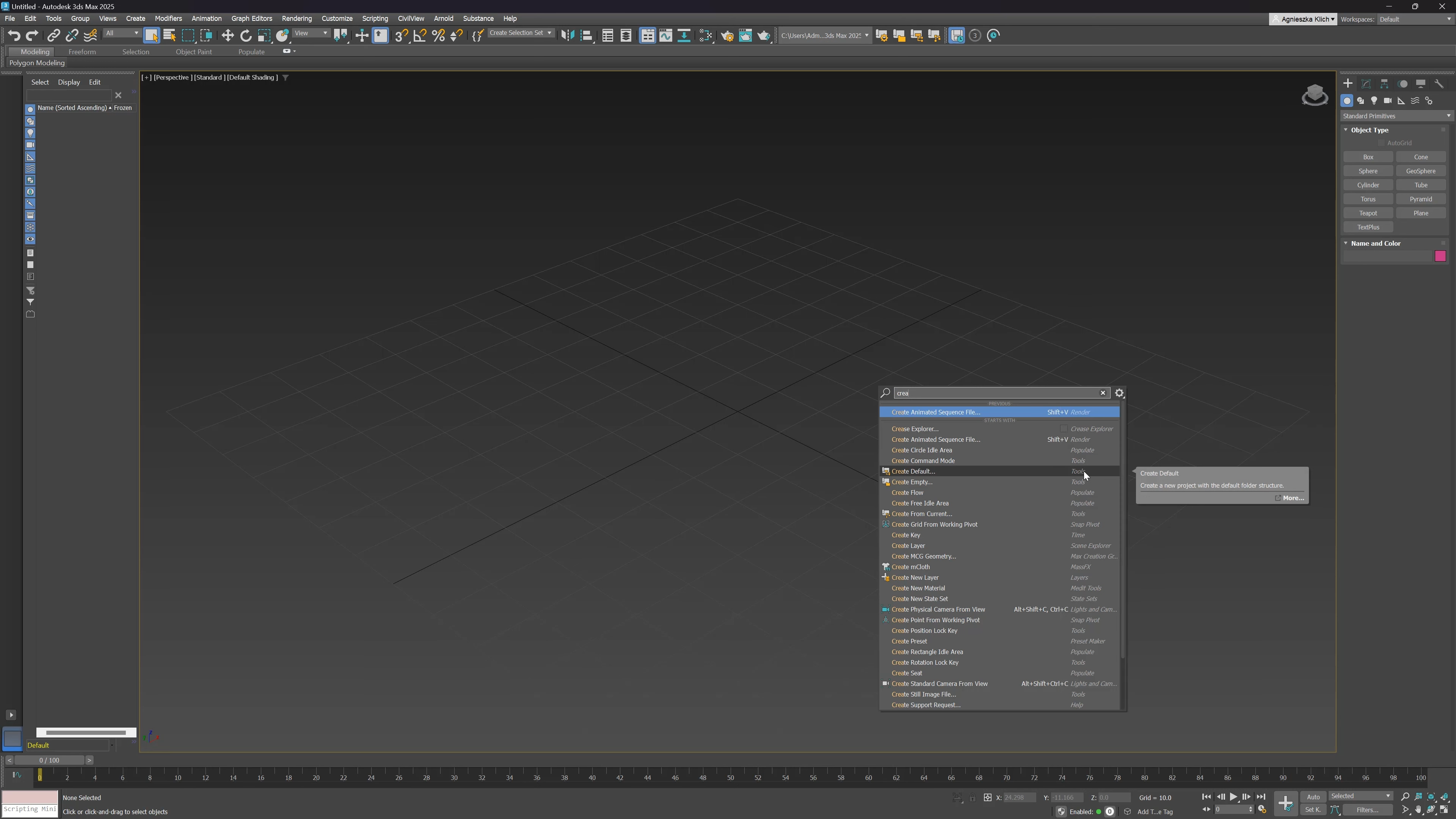
3ds Max 2025: Enhanced Global Search. ©Arch Viz Artist
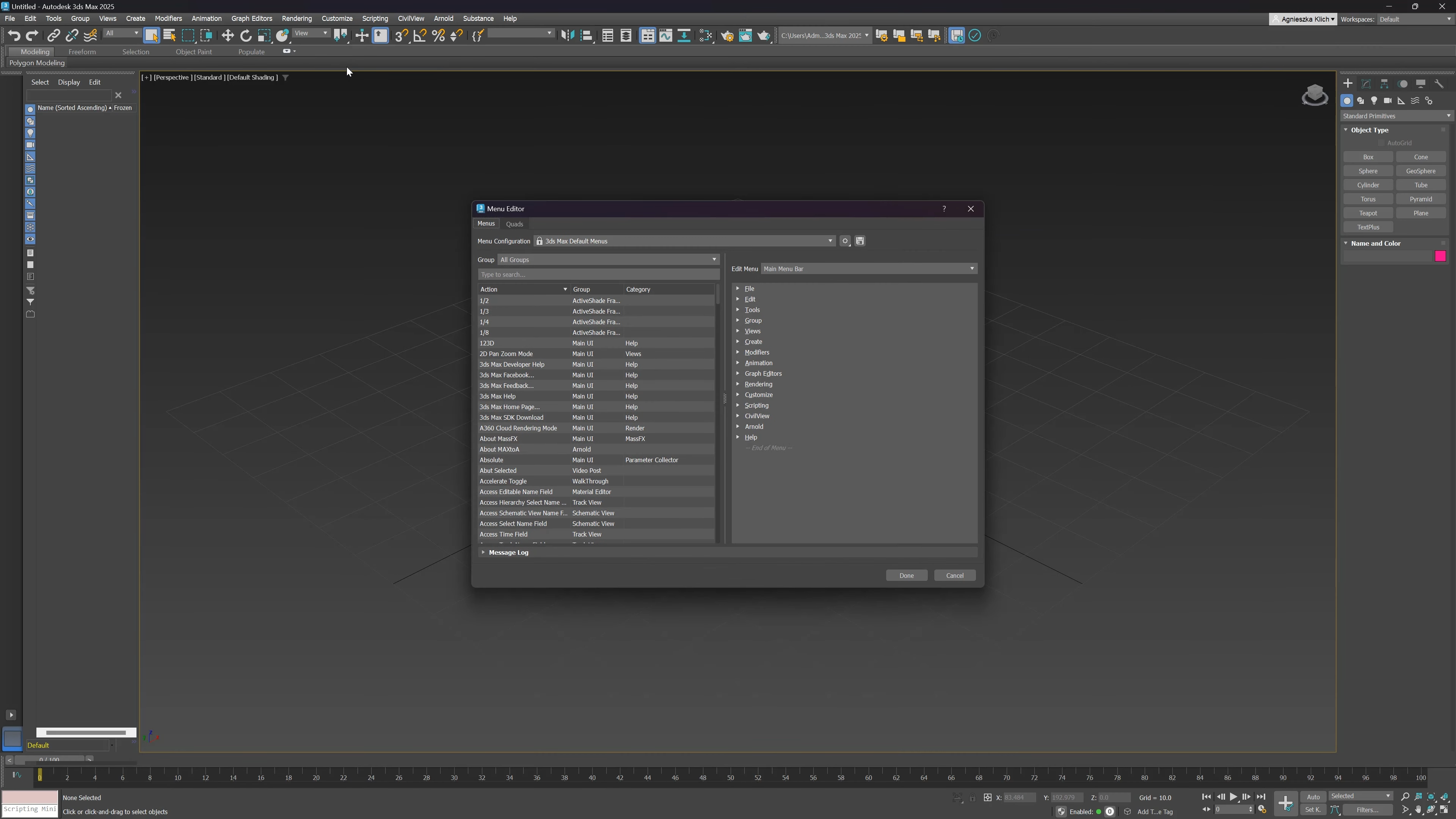
3ds Max 2025: New Menu Editor. ©Arch Viz Artist
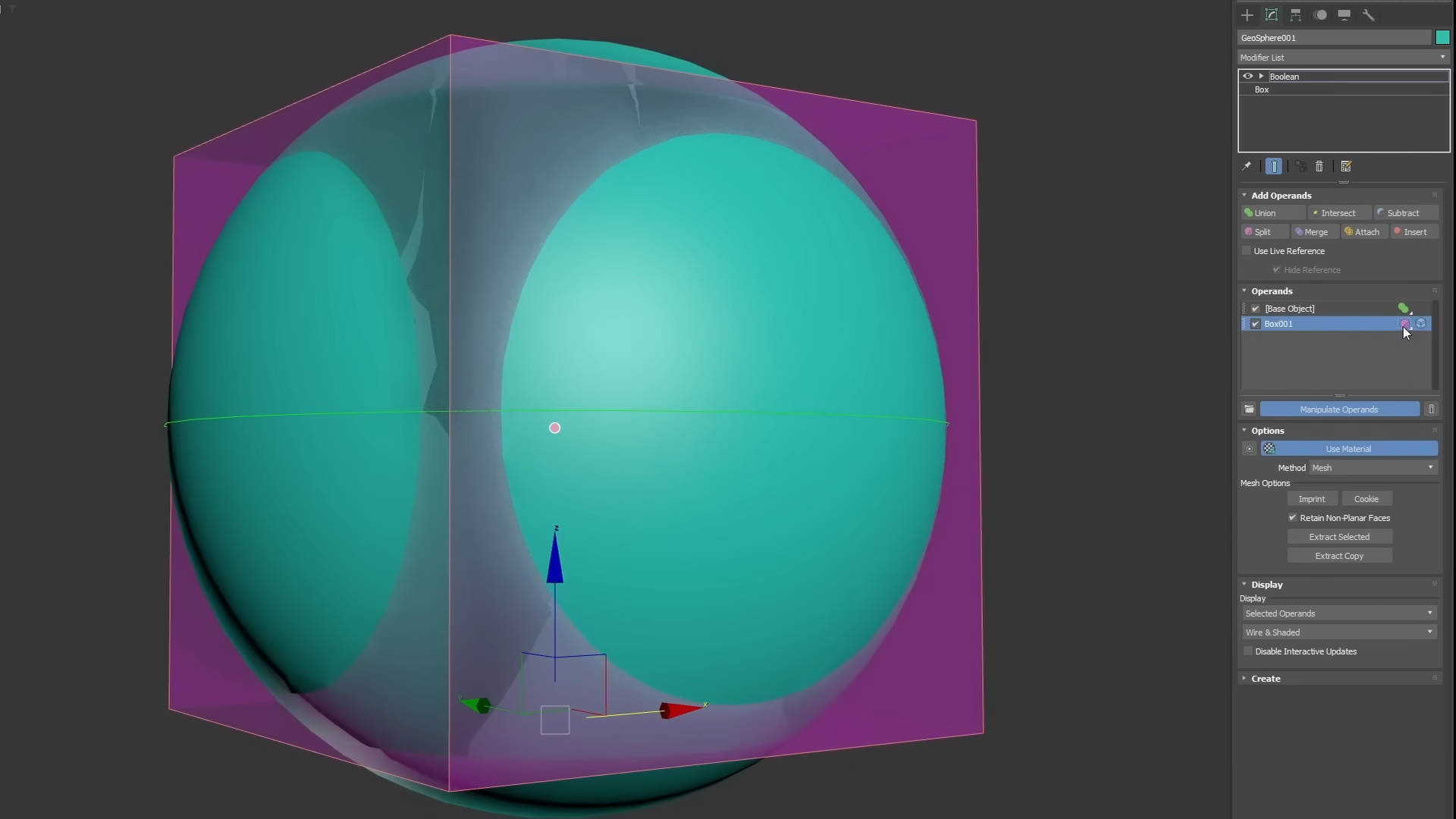
3ds Max 2024: The Boolean modifier for procedural modelling. ©Eloi Andaluz Fullà
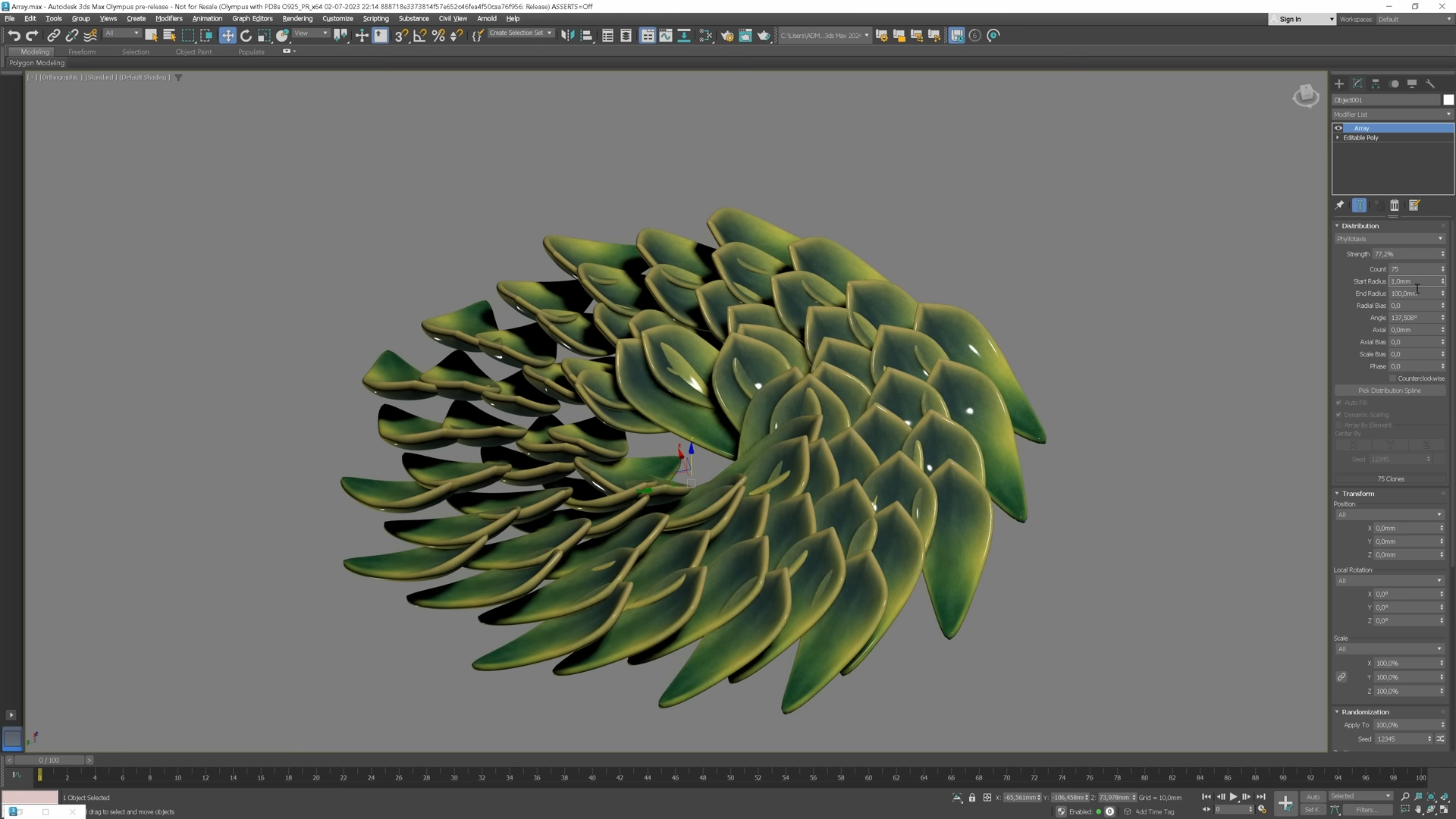
3ds Max 2024: Generate spiral patterns with the Array modifier. ©Arch Viz Artist
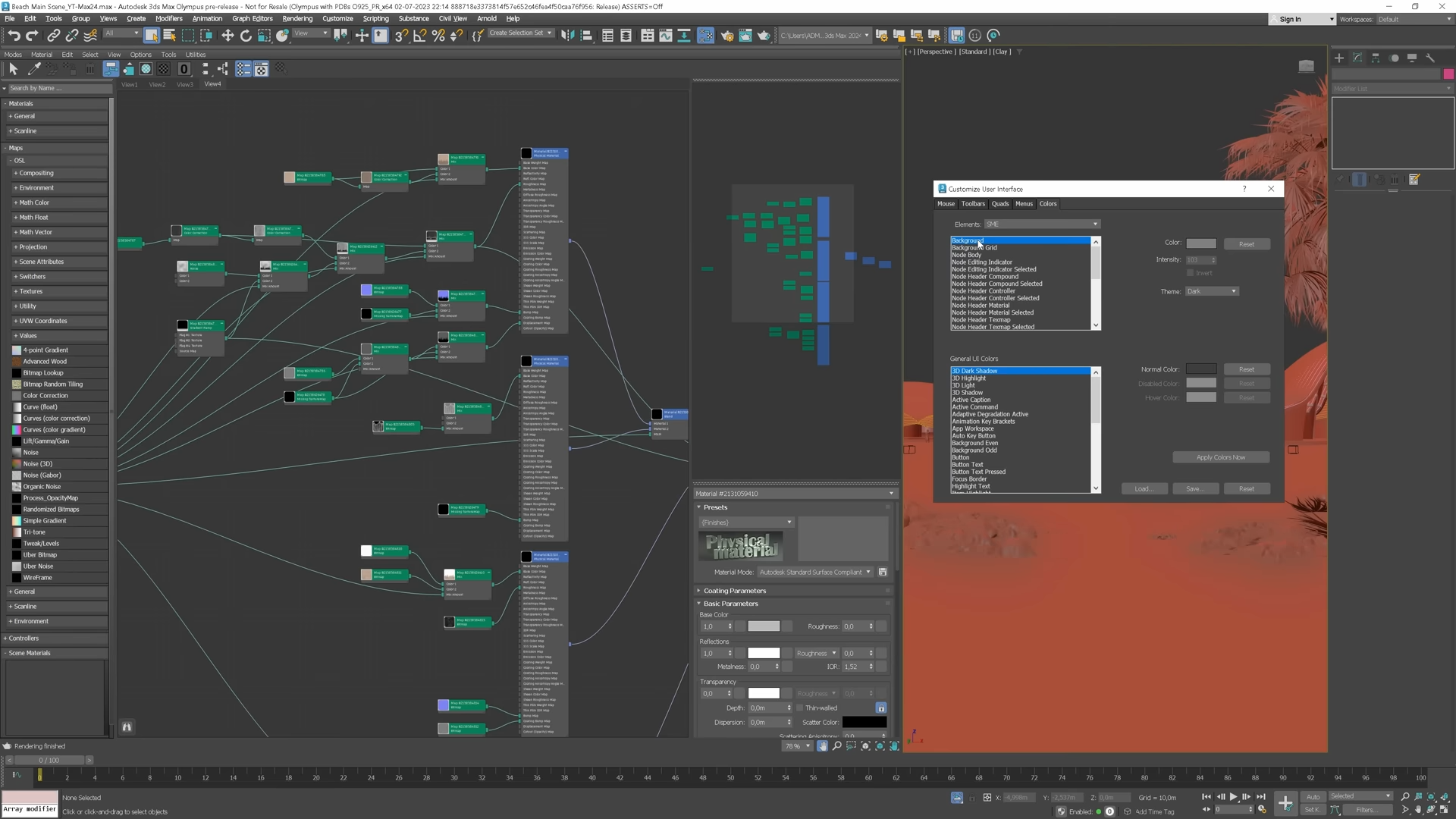
3ds Max 2024: Customize colors of the Slate Material Editor. ©Arch Viz Artist
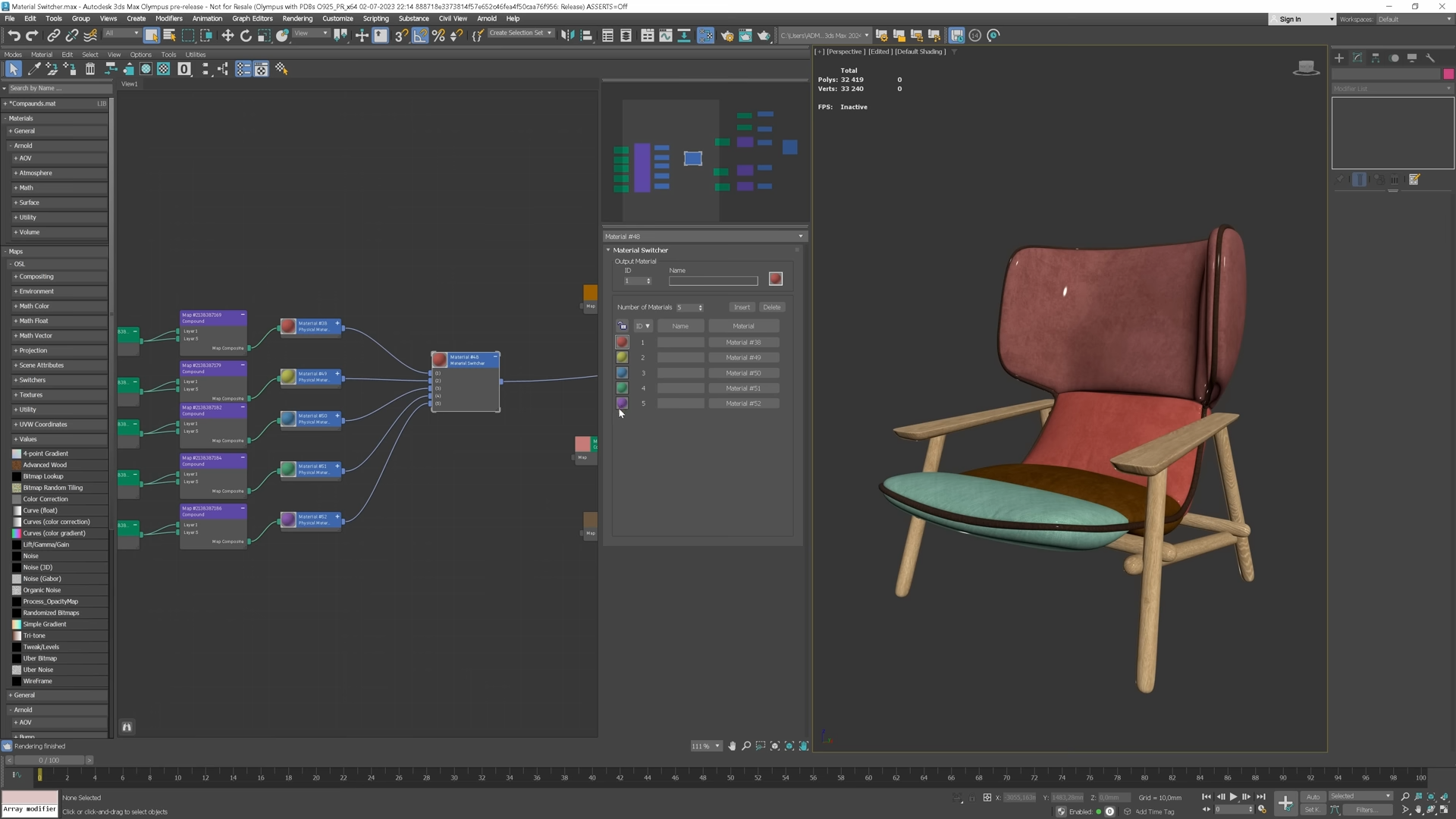
3ds Max 2024: Use new Material Switcher to work with different design variations. ©Arch Viz Artist
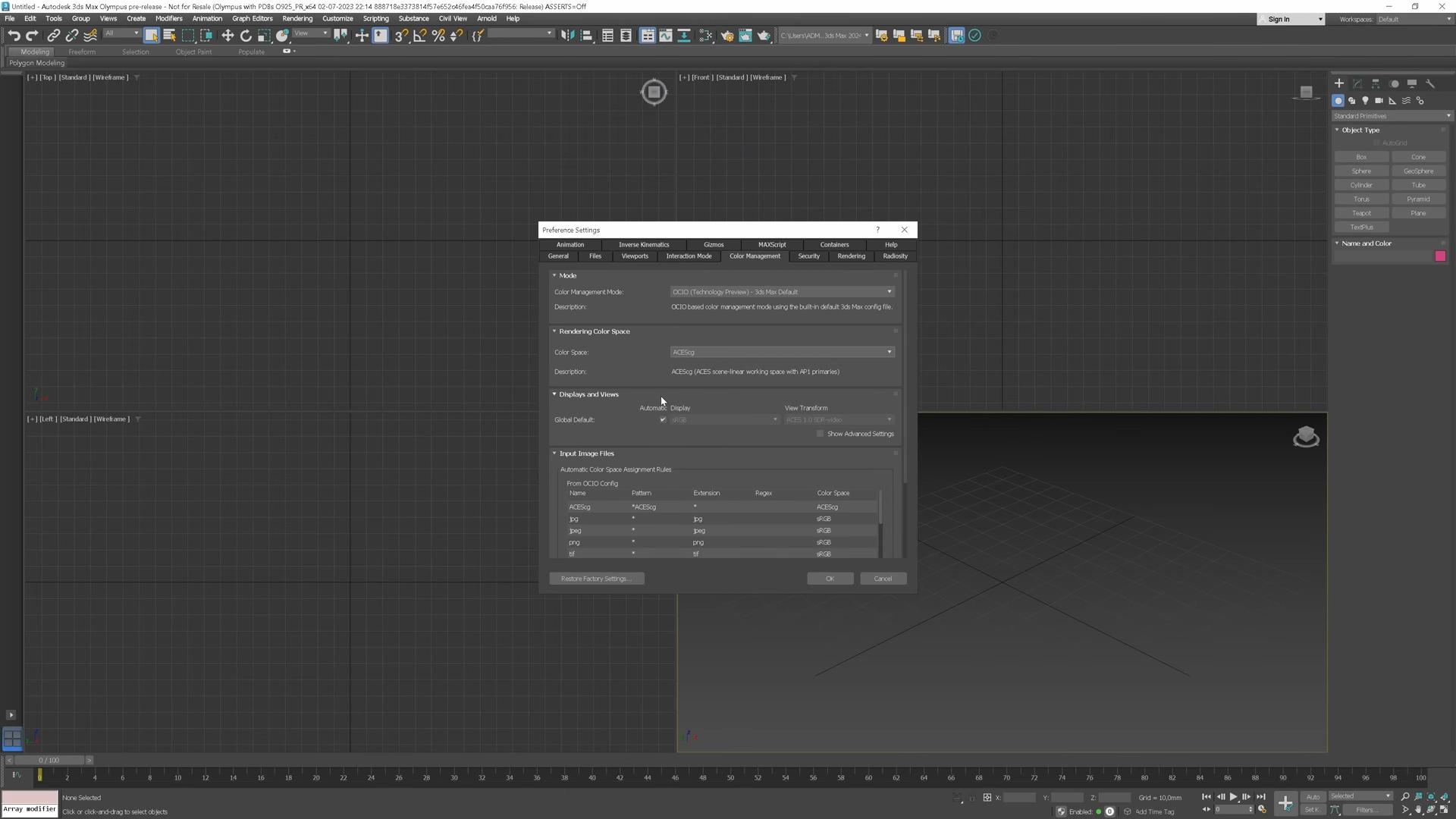
3ds Max 2024: The OpenColorIO (OCIO) colour management mode. ©Arch Viz Artist