


- Date added:
- Jan 26, 2023 | Last update check: 1 minute ago
- Integrations:
- —
- Licence:
- Demo | Buy Now
- Runs on:
- Windows 7 64-bit / 8 64-bit / 10 64-bit / 11
Fuzor is a VDC software that allows you to avoid coordination delays, create 4D/5D simulations and method statements, track construction progress, estimate project cost, plan site logistics, manage clashes in real-time and more.
For more information please visit https://download.archsupply.com/get/download-fuzor/.
What’s new in version 2023:
- Mobile progress tracking: Update task status on mobile. Integrated with BIM 360 and ACC. See your progress updated from mobile to desktop.
- 3D markers: Auto producing of labels. Render labels with video. Create captions at any point in your schedule. Customizable 3D markers can show images and can be attached to any point in 3D space.
- Traffic tasks: Simulate traffic detours in 4D with traffic tasks. Add tarffic detours to your schedule.
- Site egress: Animated site egress in real time in 3D. Combine site egress with 4D simulation.
- Crane logistics: Select from a wide variety of cranes for your planning process. Illustrate the operation radius in 3D. Accurately modify crane sections.
- Improved the flythrough app: User-friendly video editing tools. Make video edits natively in Fuzor. Make cuts to show any part of your schedule. Add audio to your videos before rendering.
Gallery
Fuzor 2022
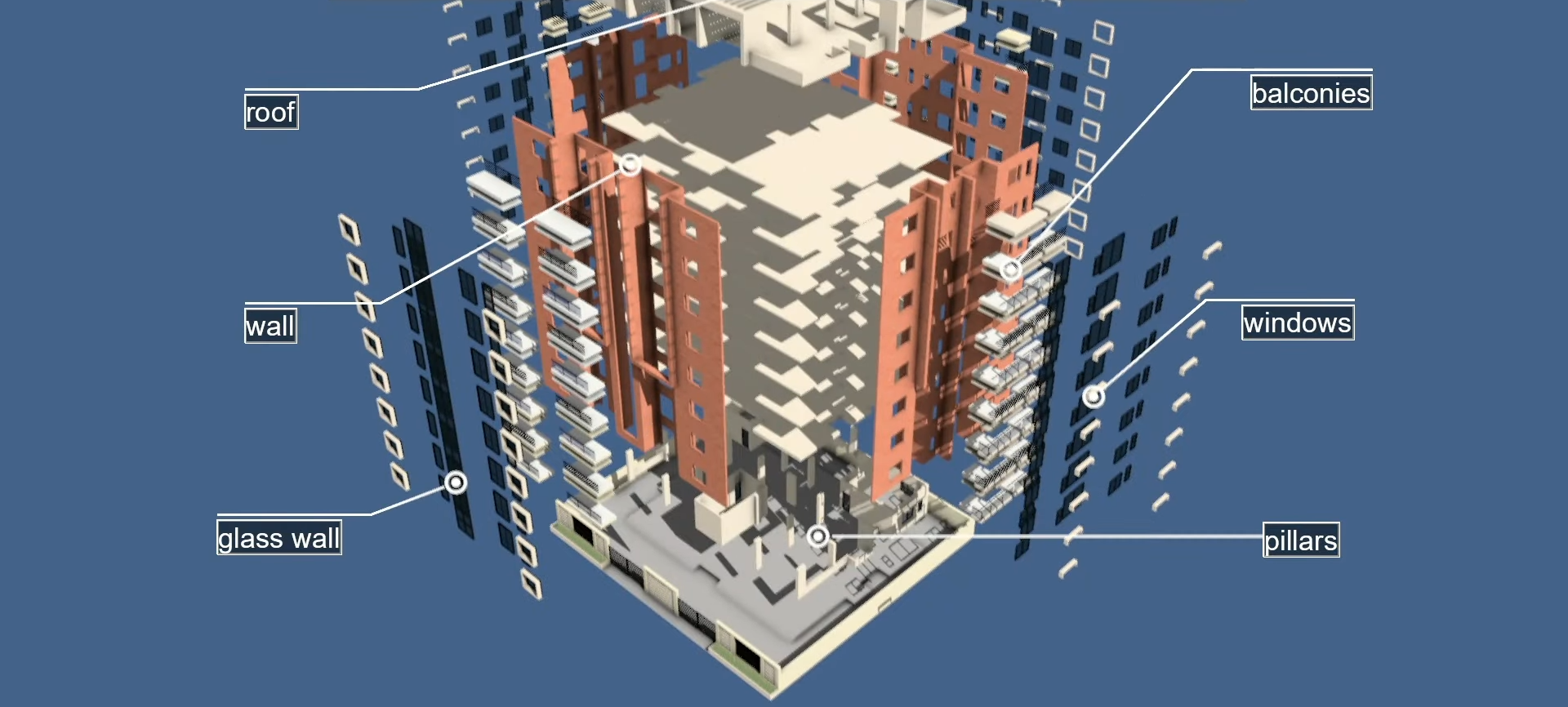
Exploded diagram of architectural design ©Kalloc Studios
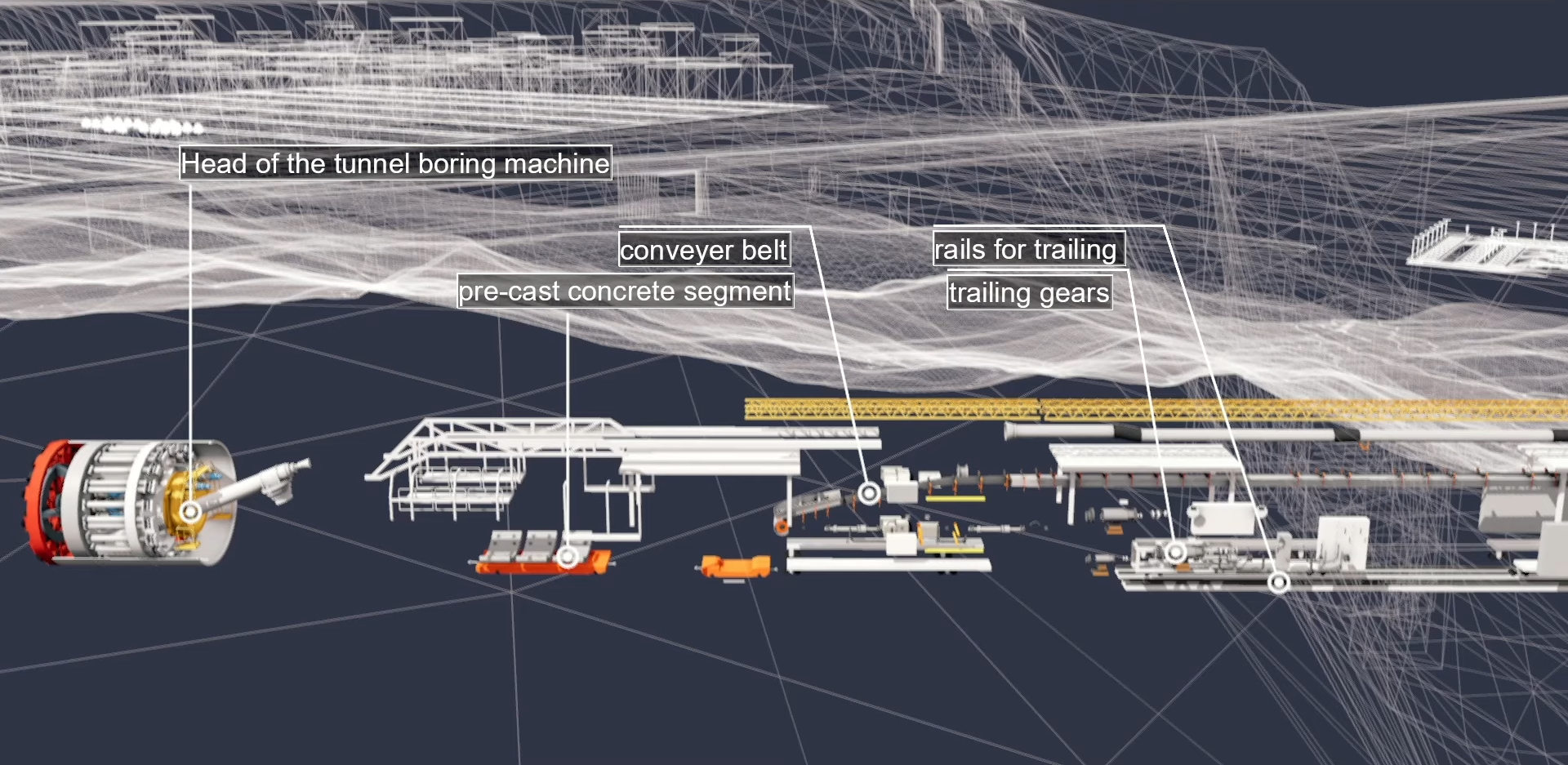
Automatically animate exploded diagram of equipment to explain detail ©Kalloc Studios
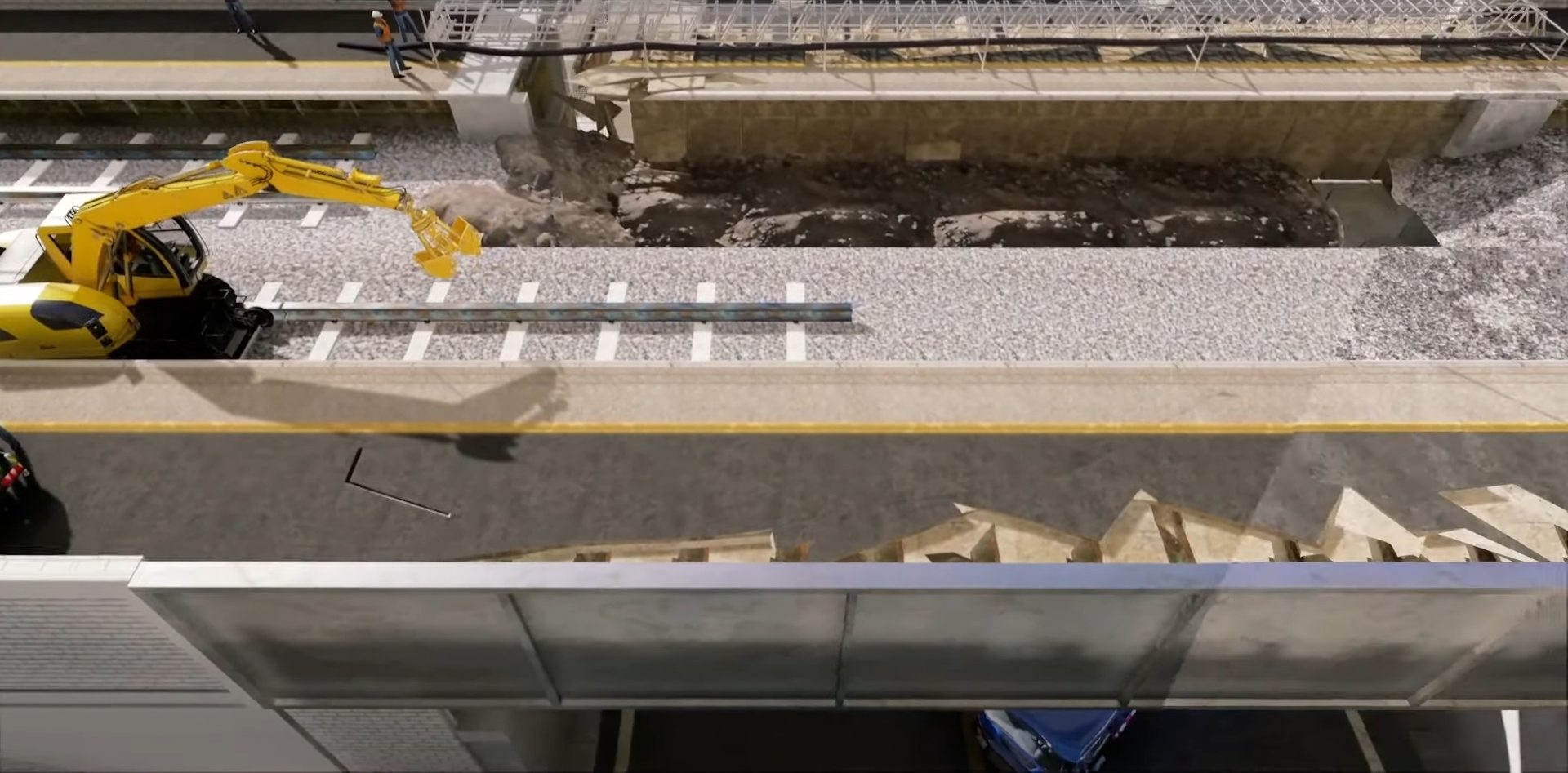
Dirt map adds more realism to large sites ©Kalloc Studios
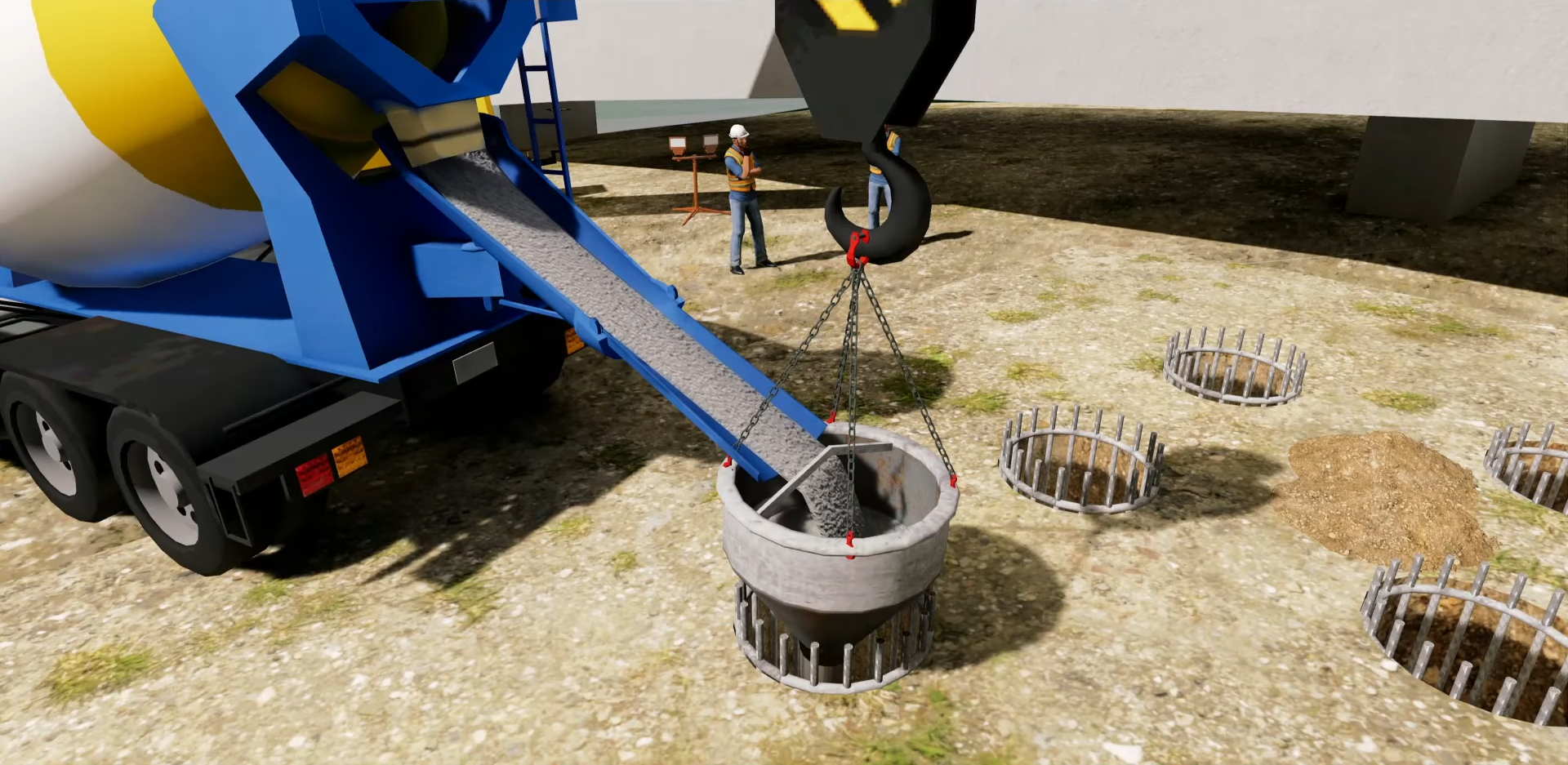
Show flow of material ©Kalloc Studios
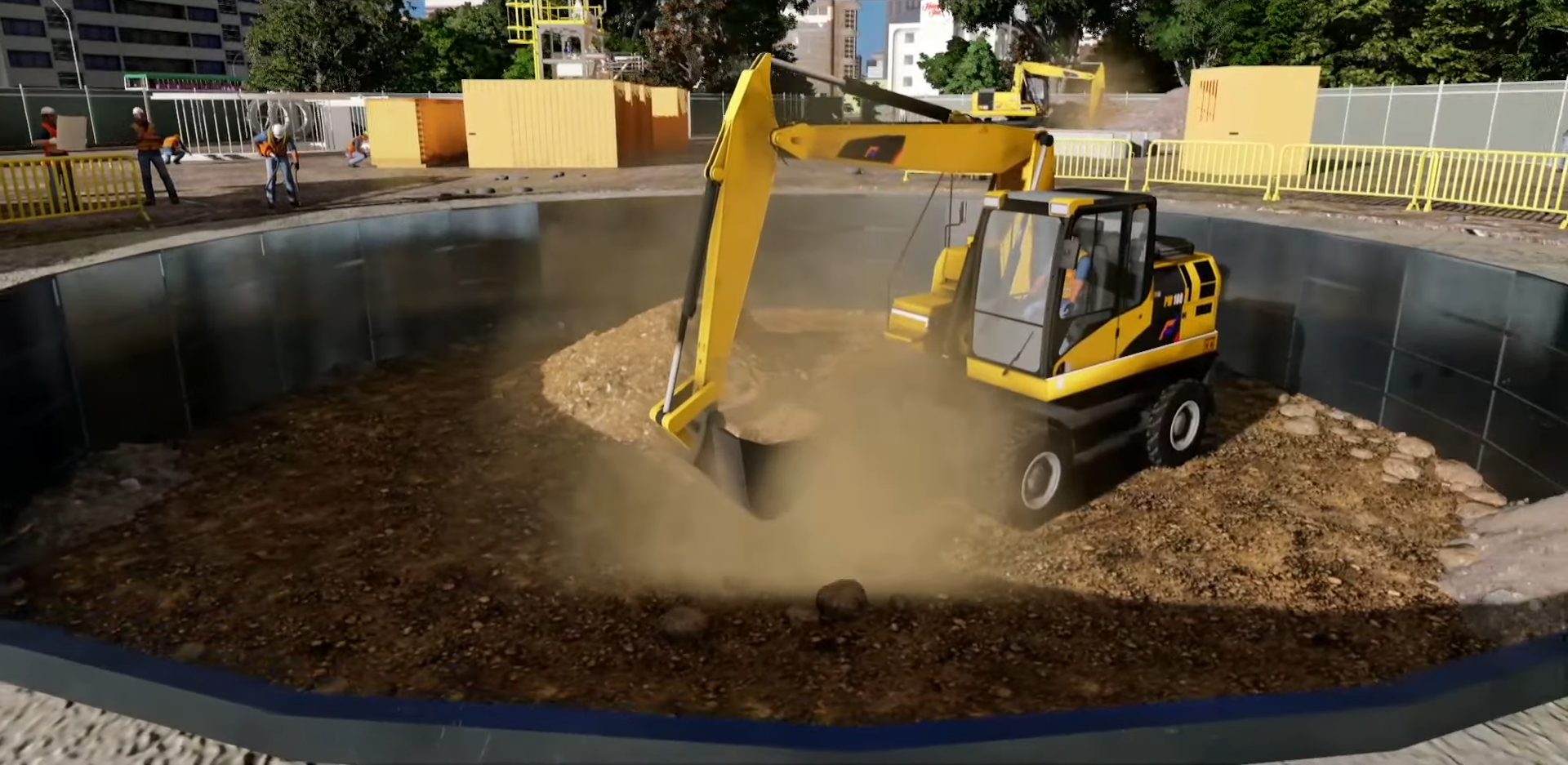
New dust particle added for realistic excavation ©Kalloc Studios
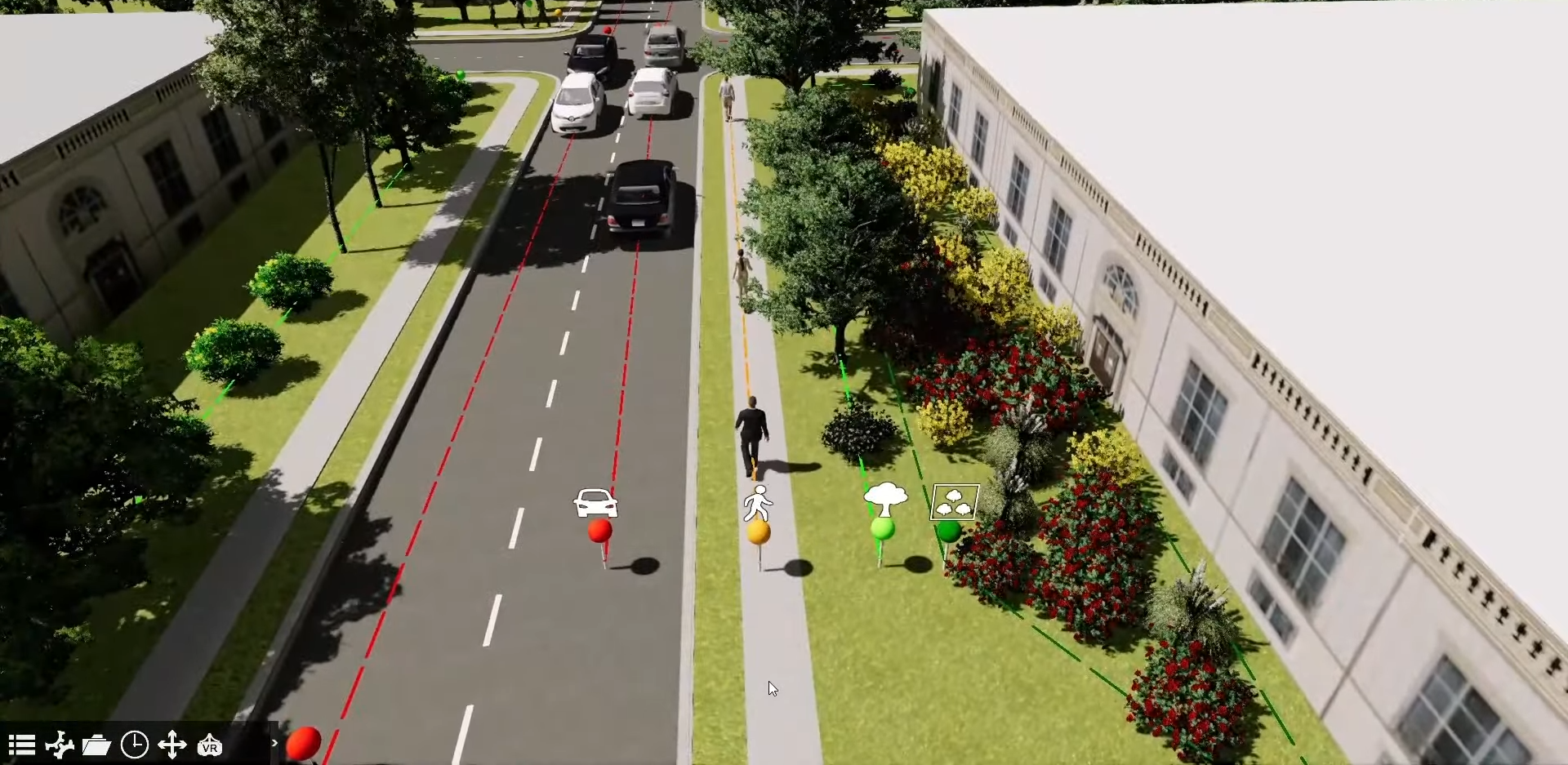
Updated paths for easy identification ©Kalloc Studios
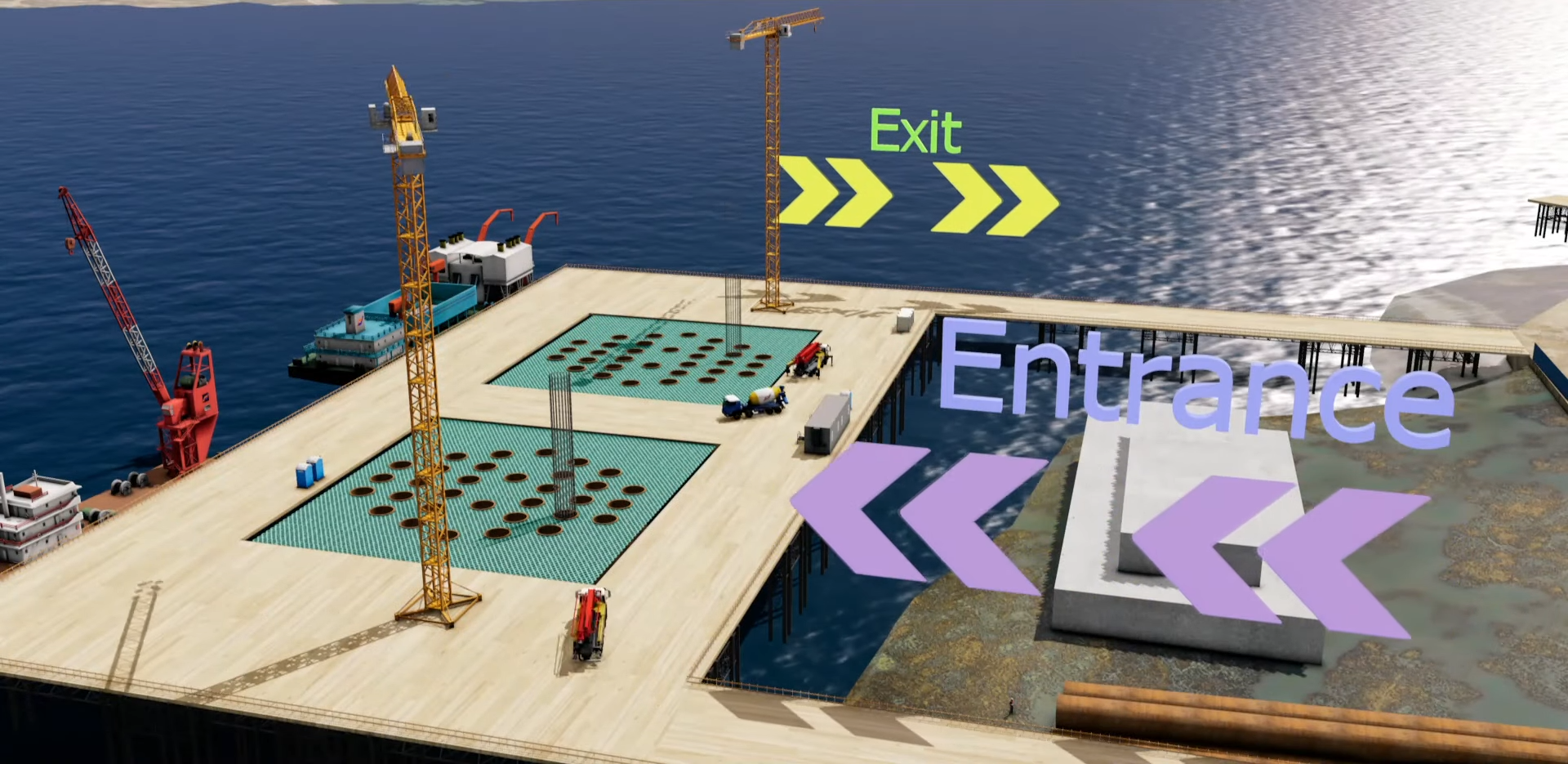
Scrollable texture help to show direction ©Kalloc Studios
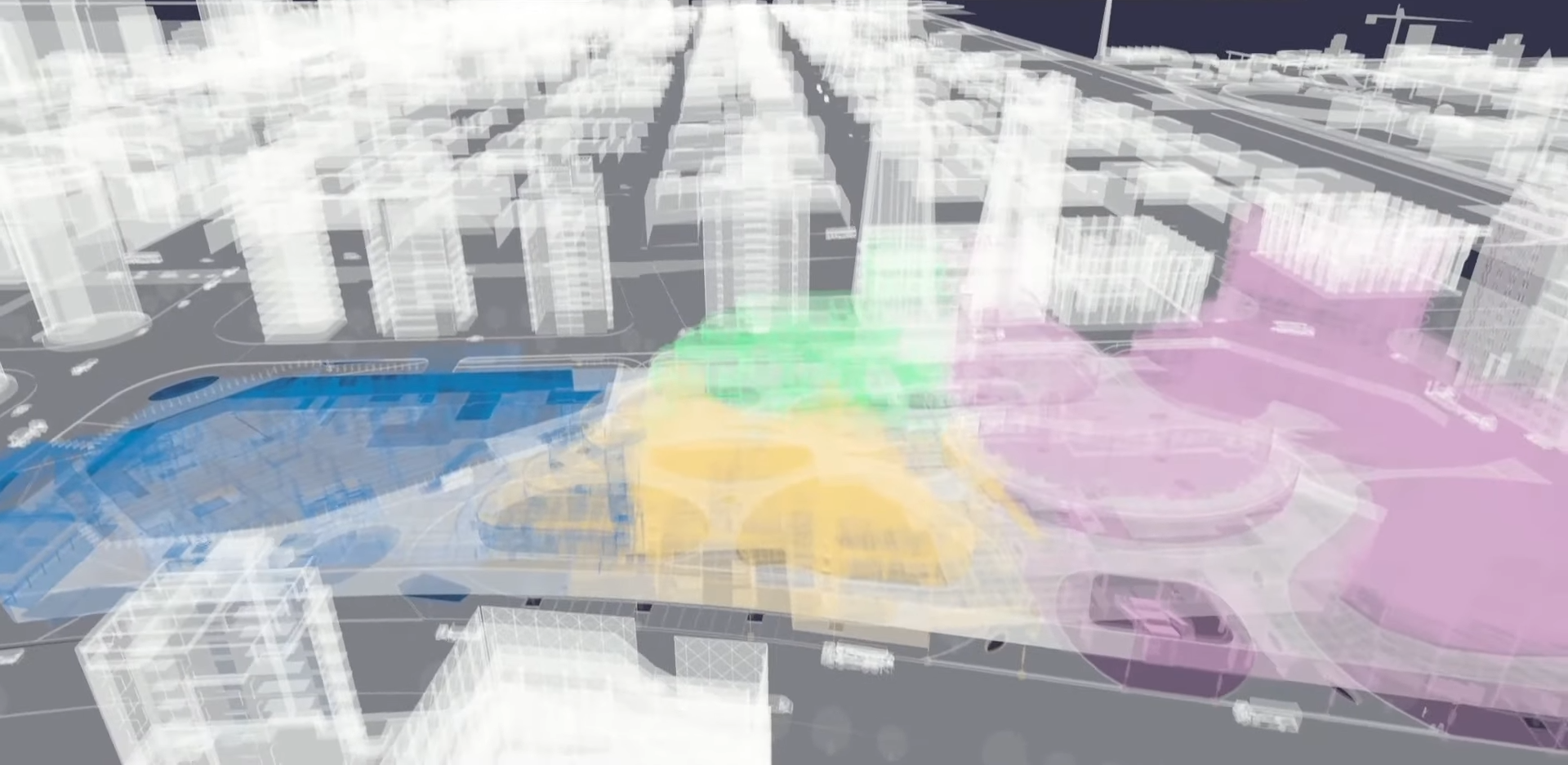
Show construction zones in videos ©Kalloc Studios
General
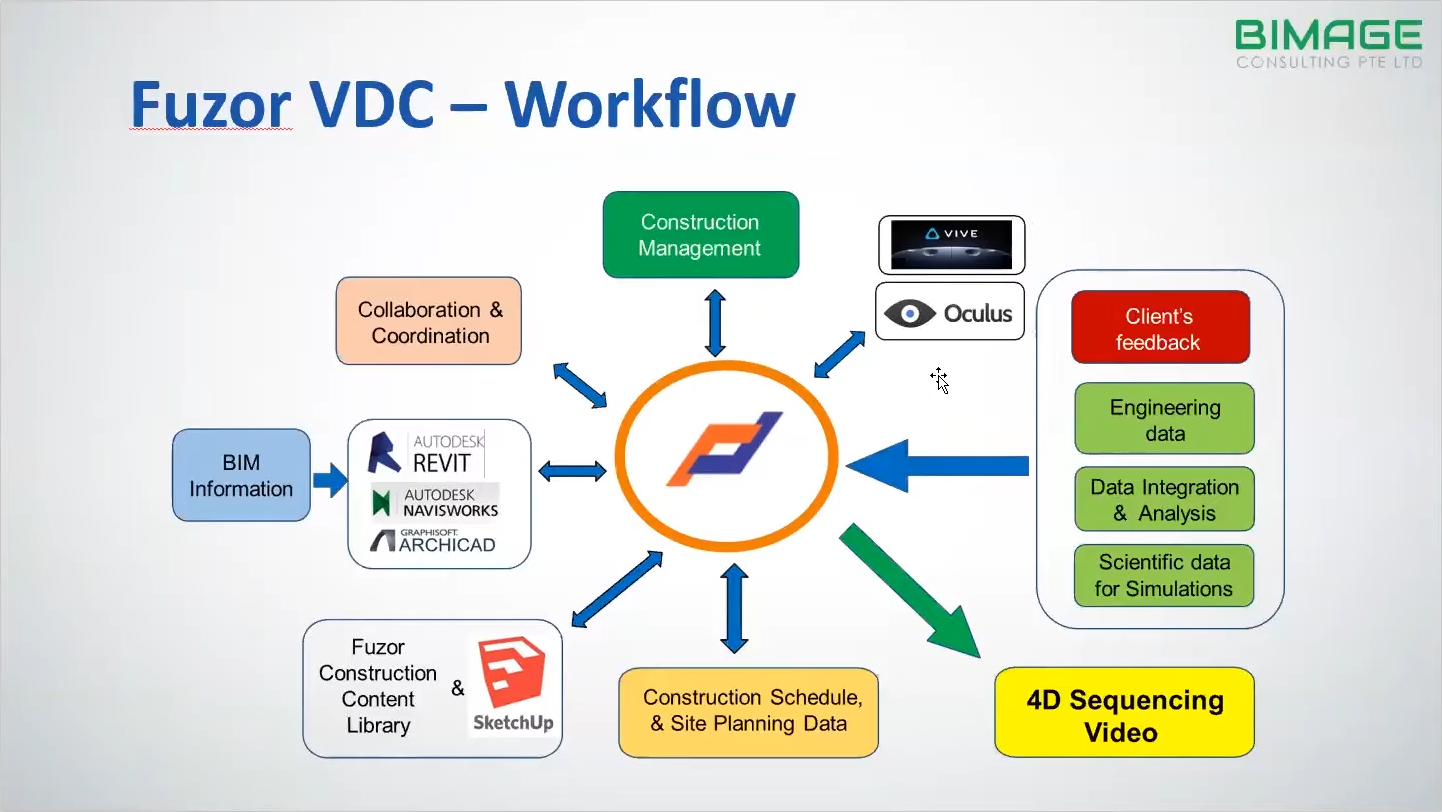
Fuzor VDC workflow. ©BIMAGE
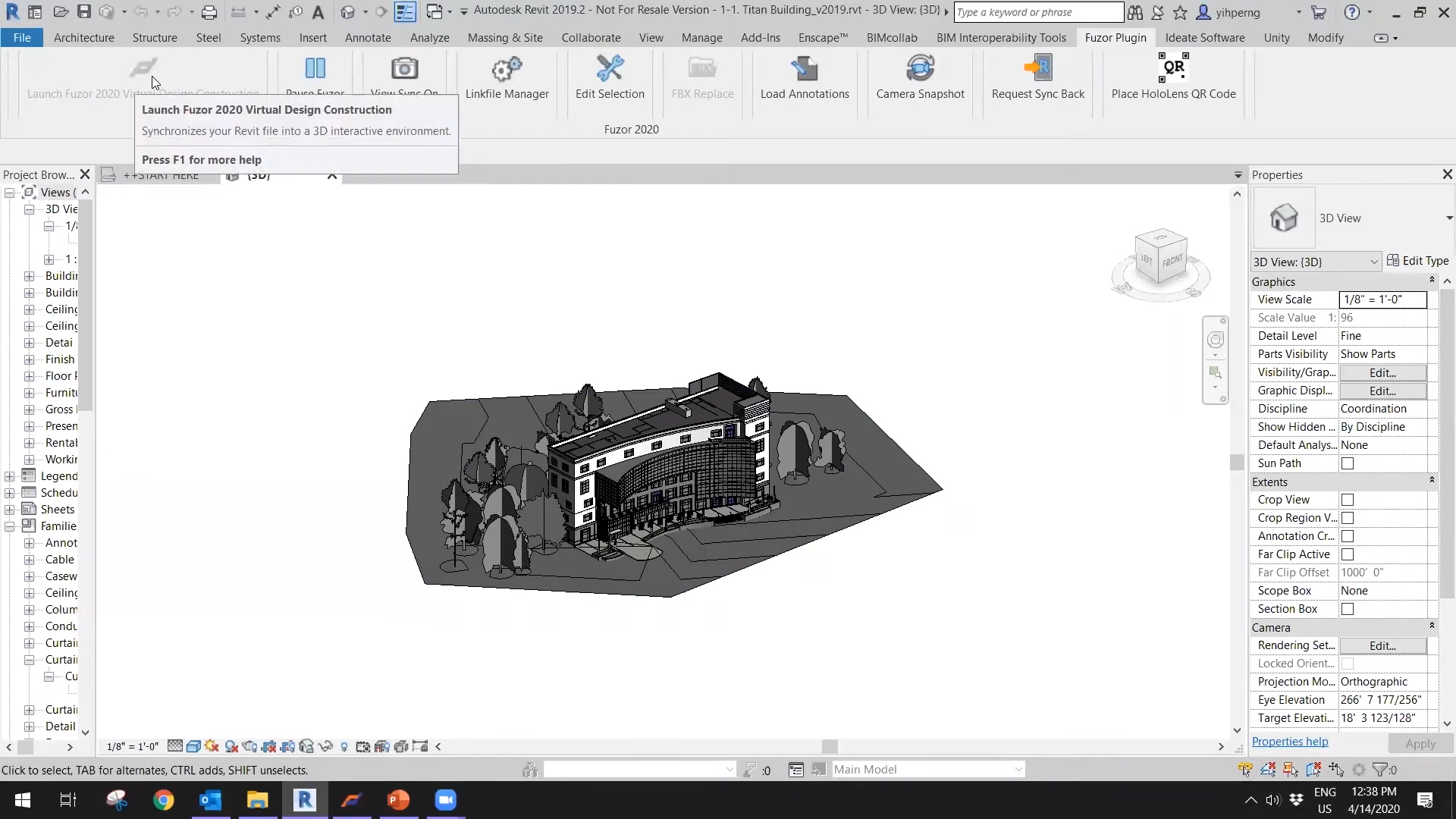
Fuzor plugin for Revit. ©BIMAGE
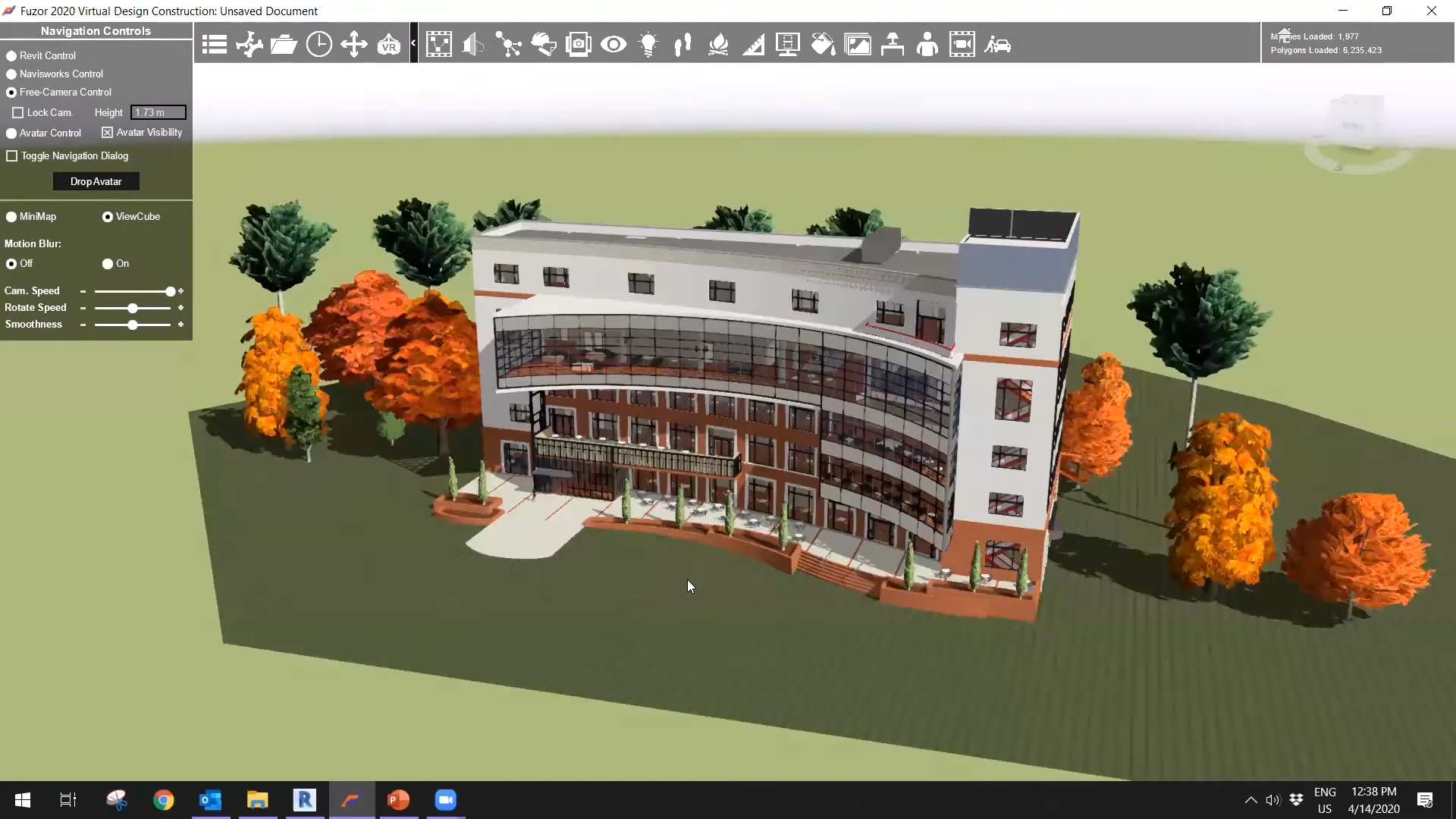
Fuzor screenshot. ©BIMAGE
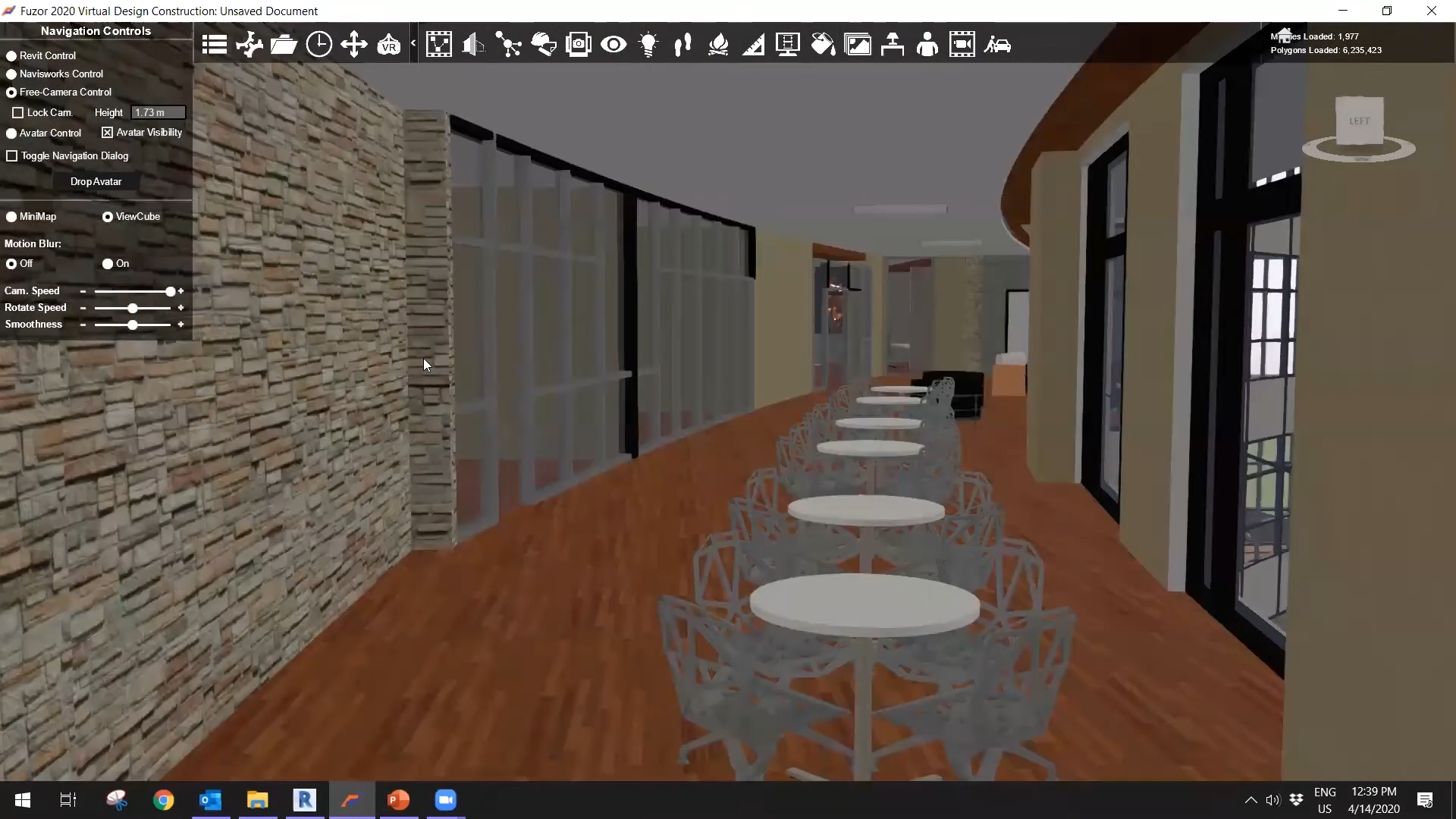
Fuzor screenshot. ©BIMAGE
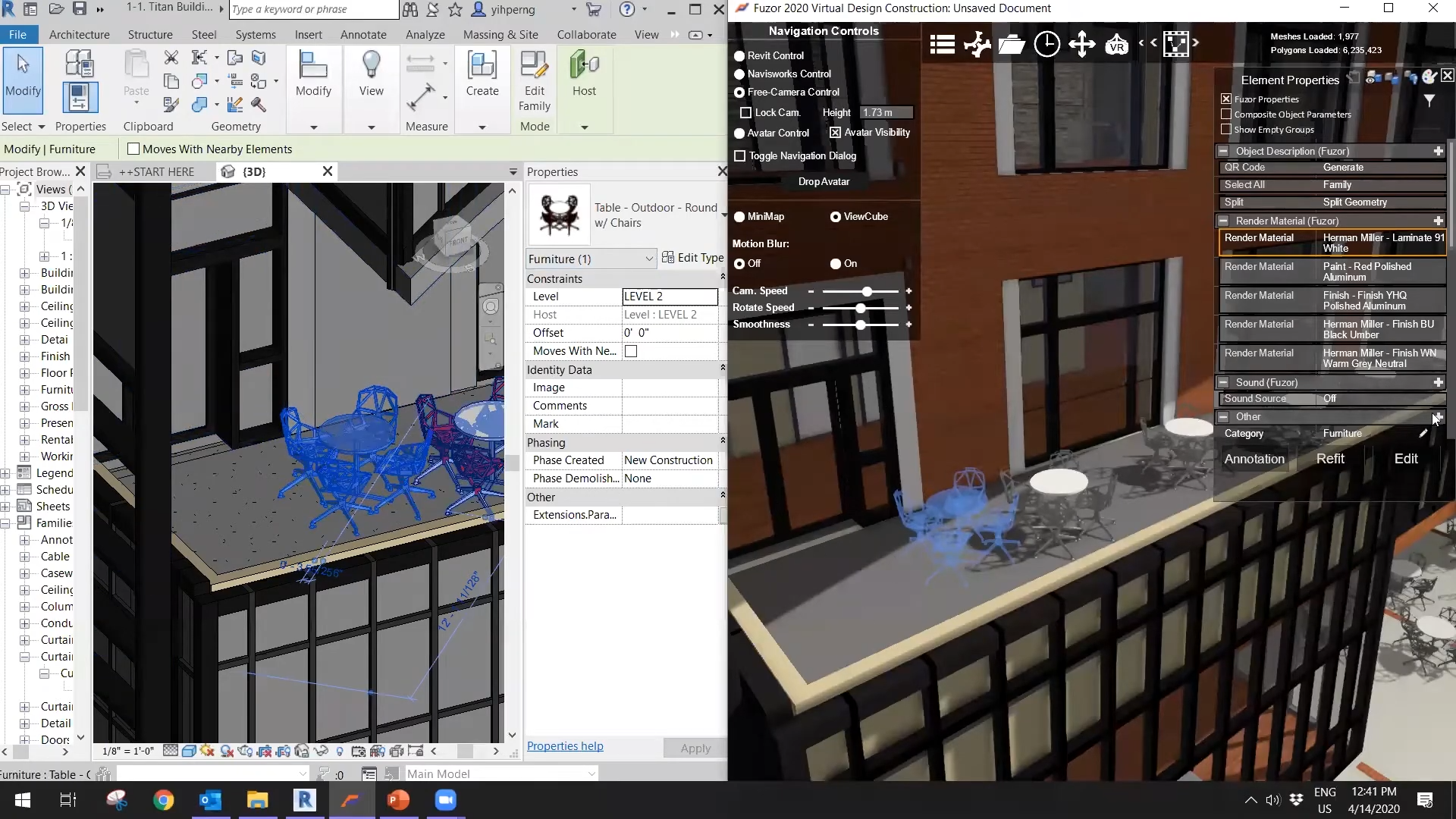
Fuzor screenshot. ©BIMAGE
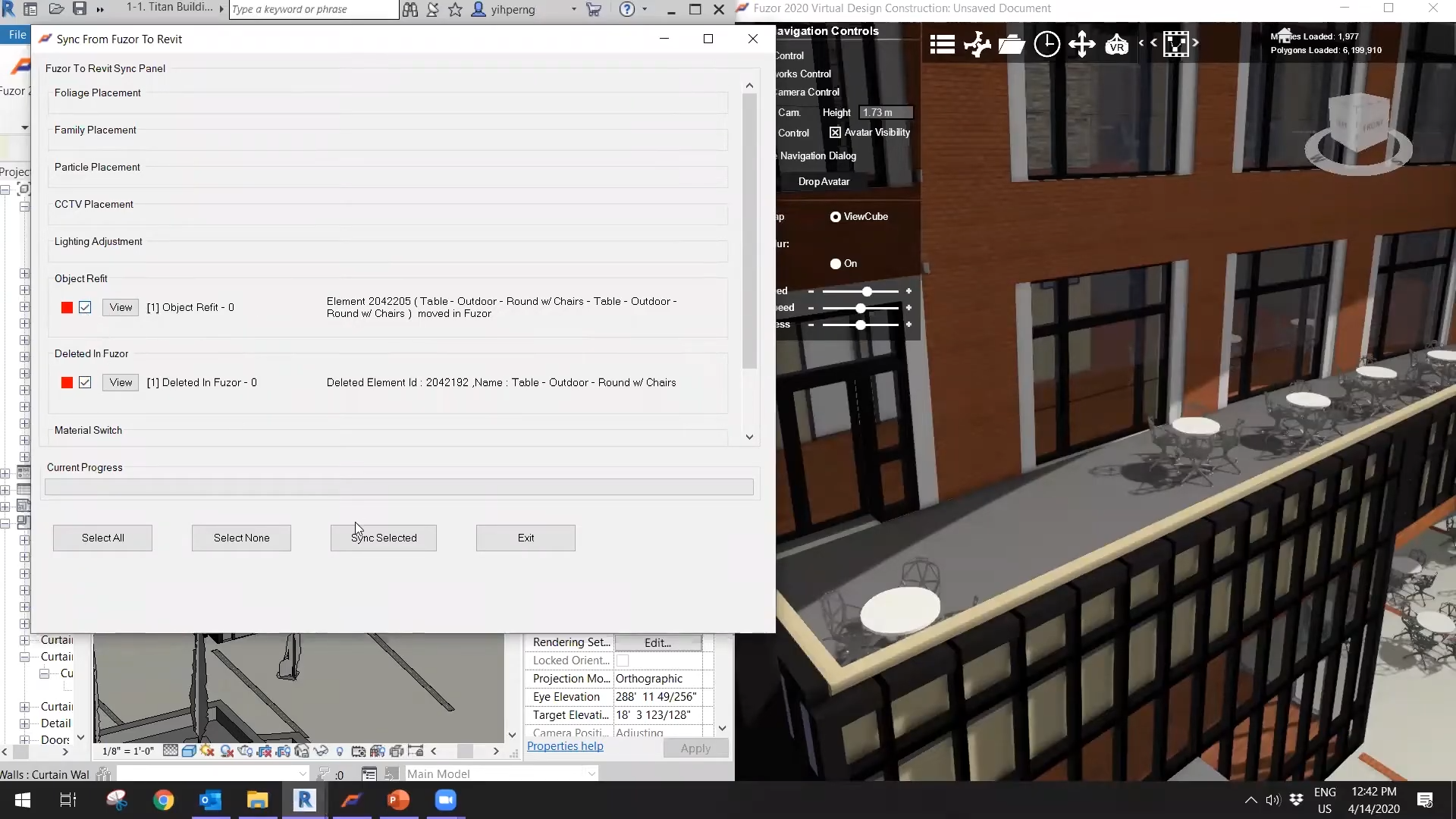
Fuzor screenshot. ©BIMAGE
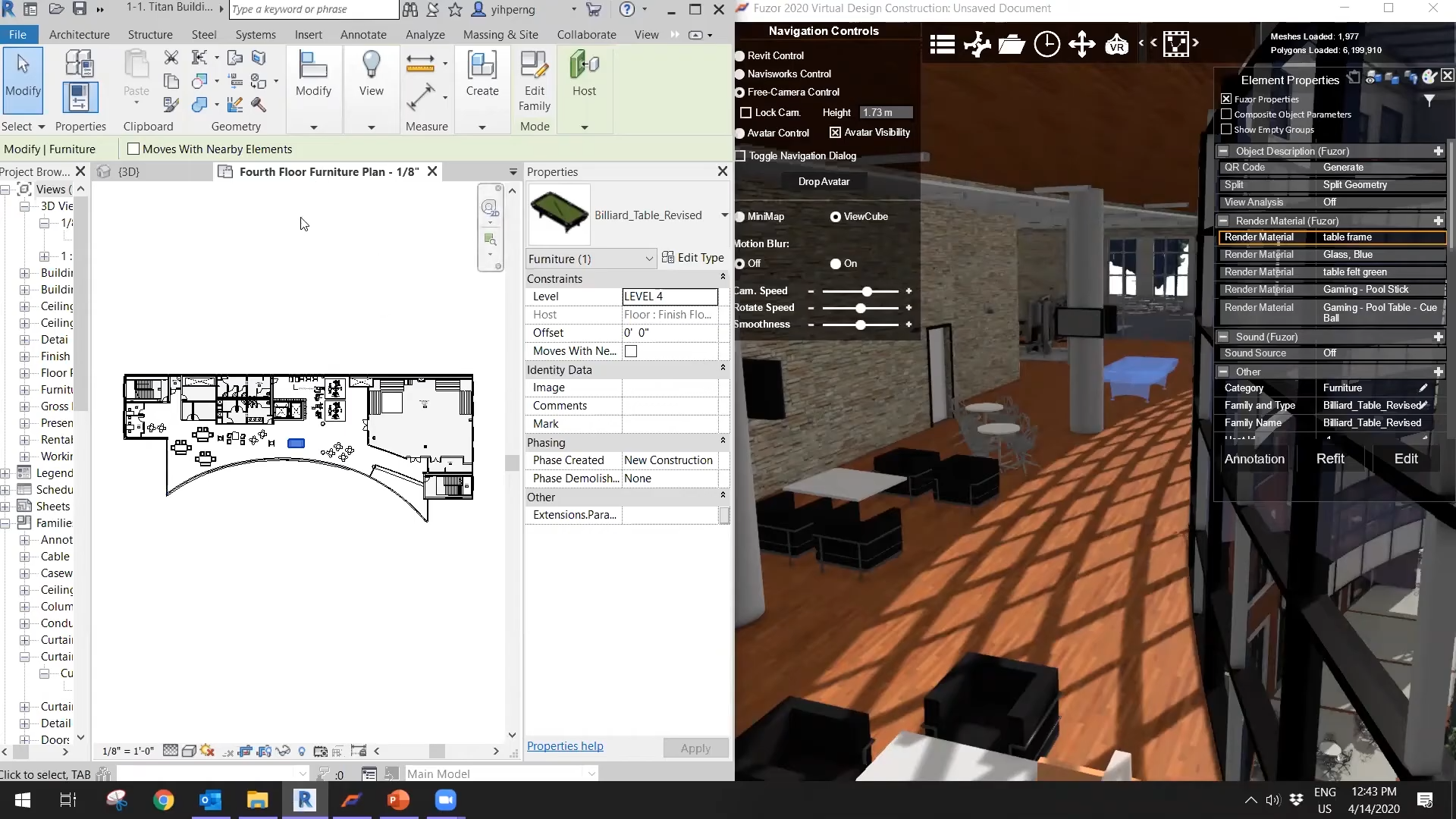
Fuzor screenshot. ©BIMAGE
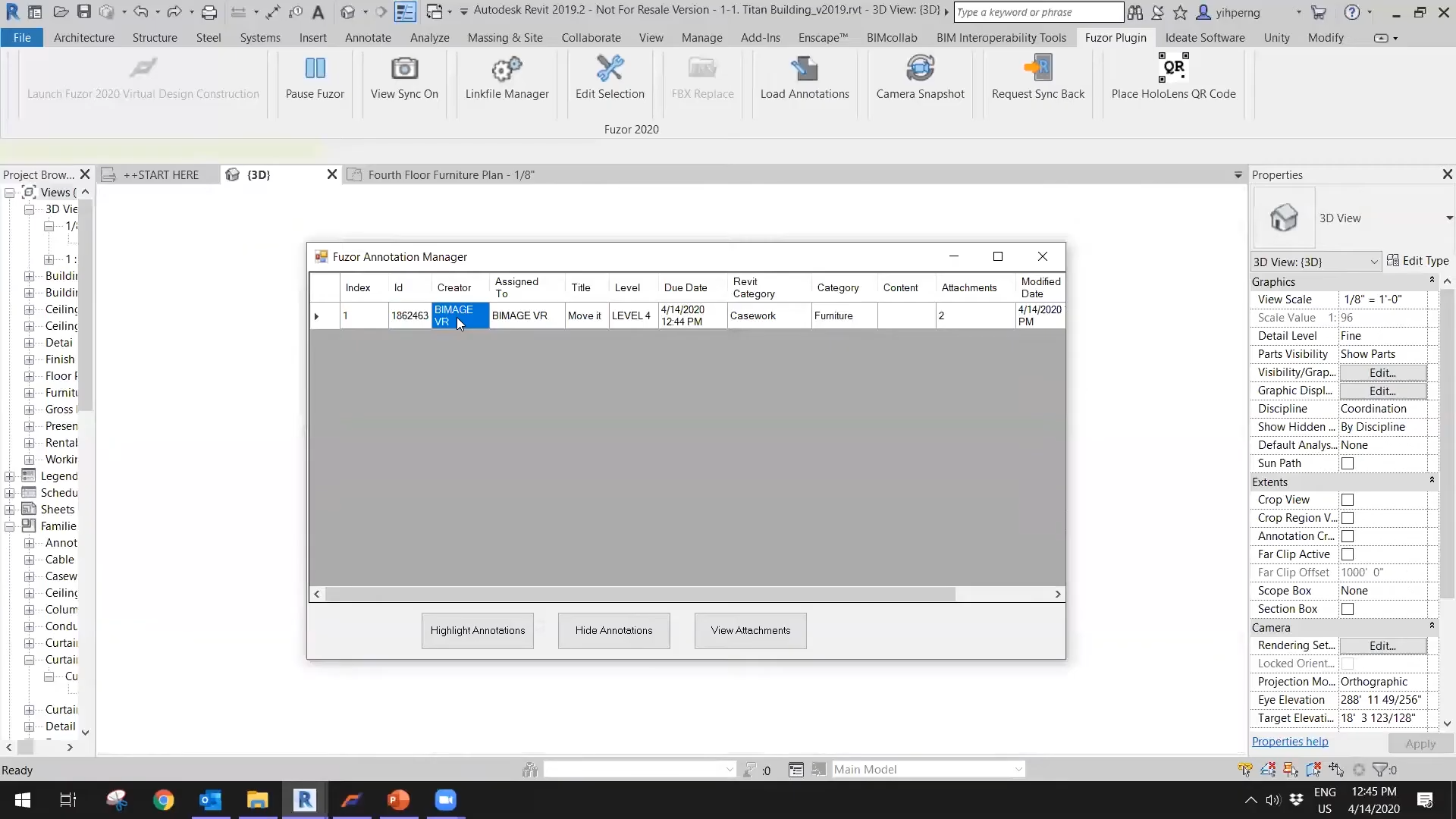
Fuzor screenshot. ©BIMAGE
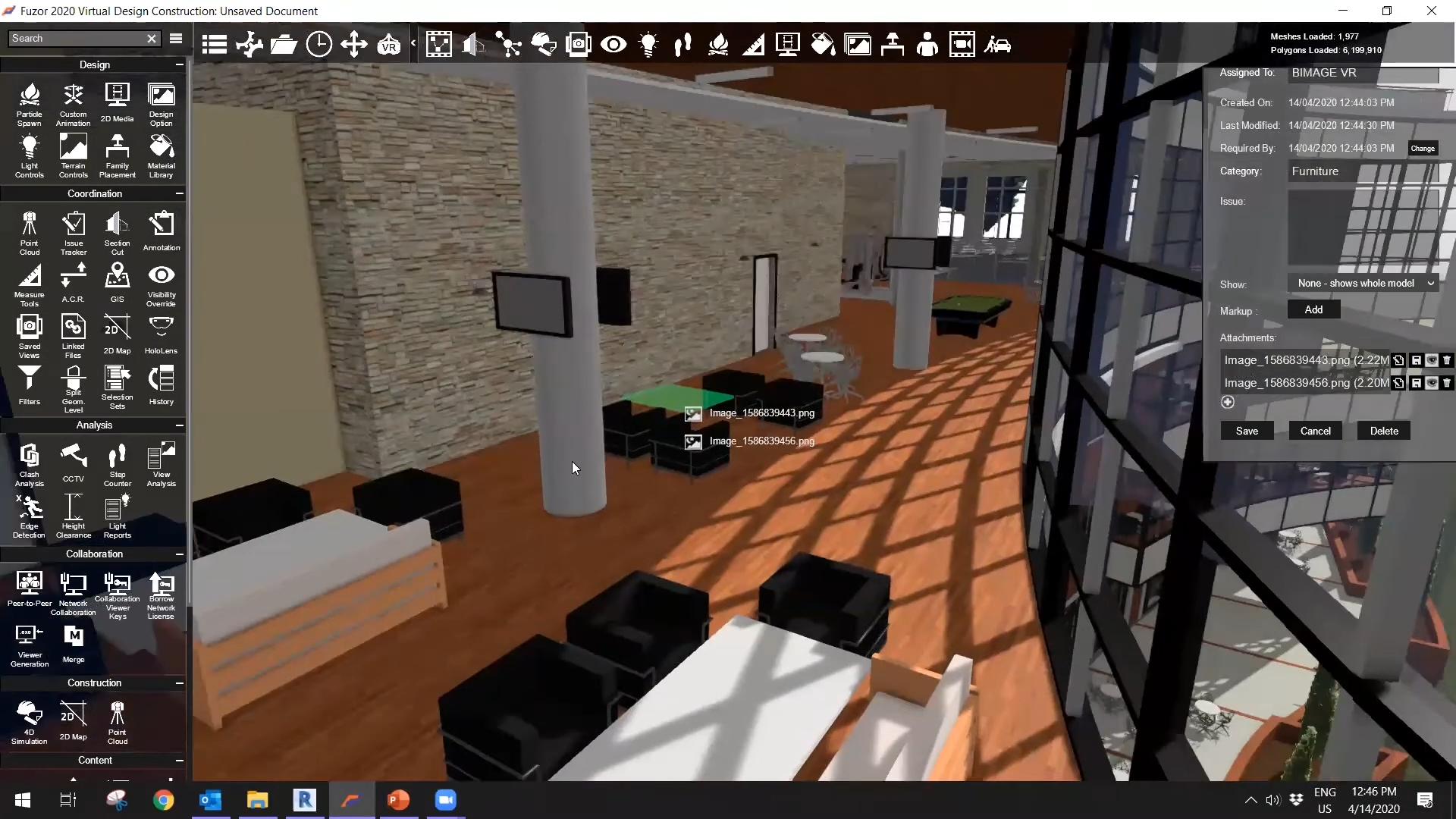
Fuzor screenshot. ©BIMAGE
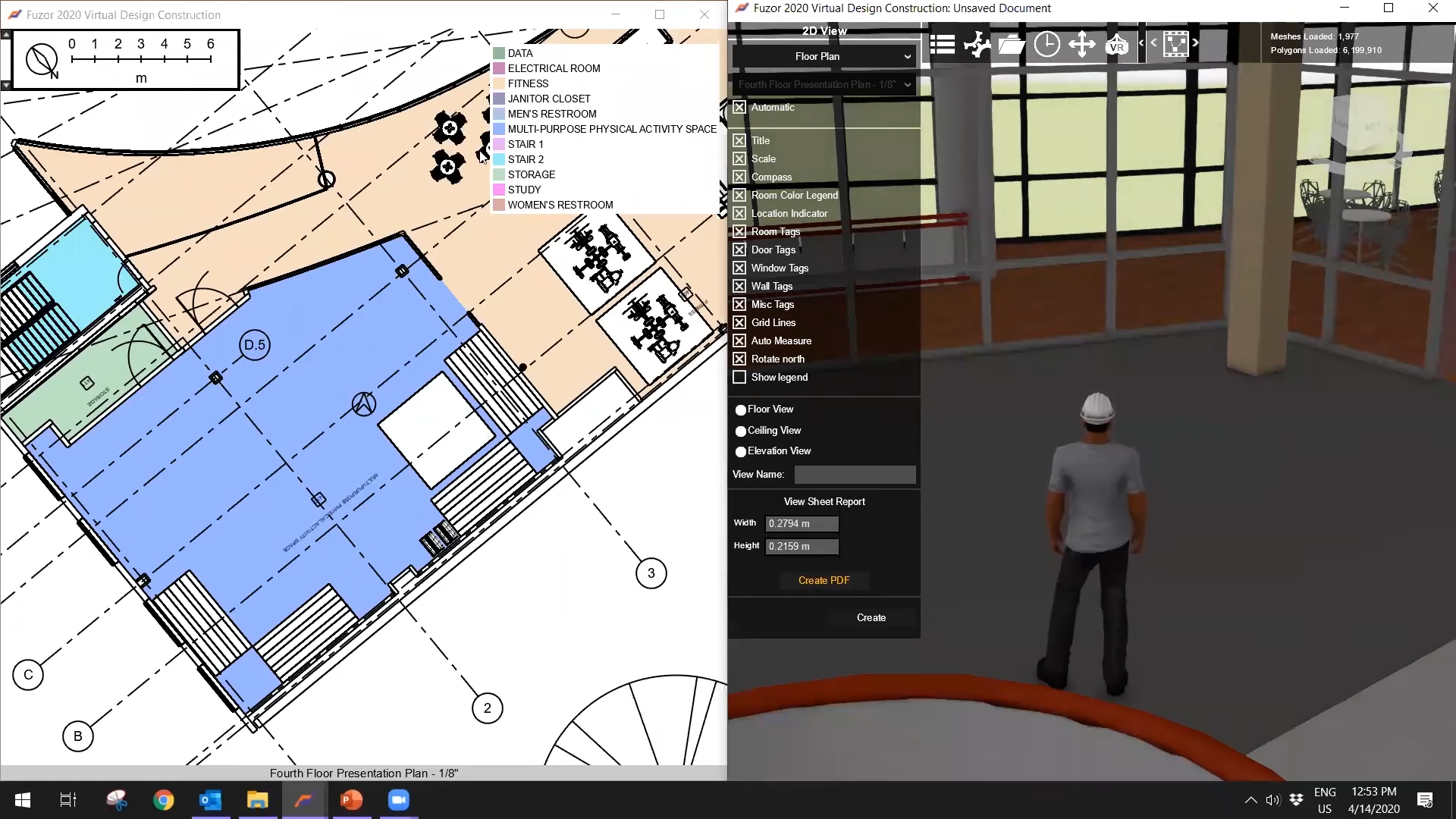
Fuzor screenshot. ©BIMAGE
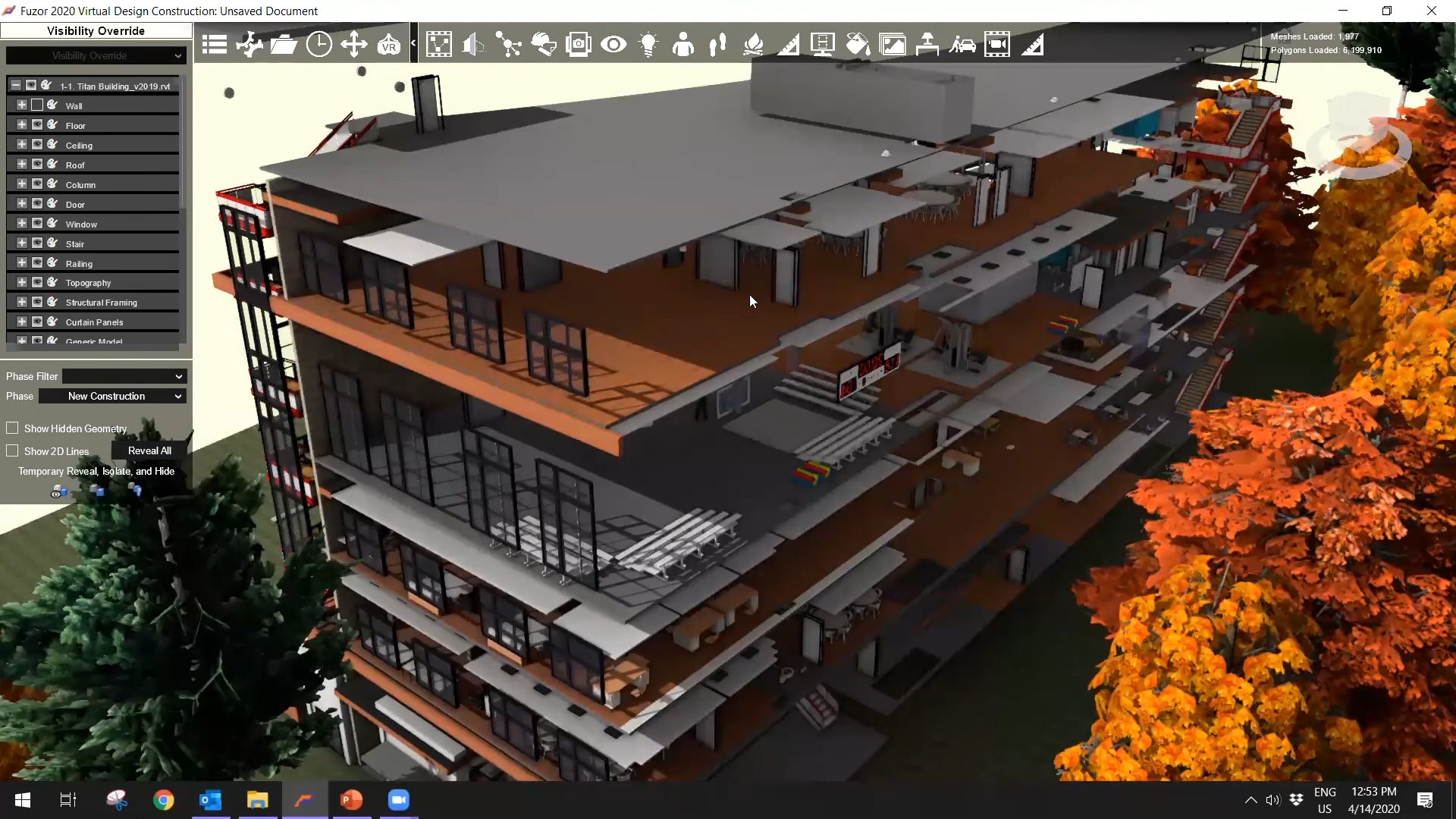
Fuzor screenshot. ©BIMAGE
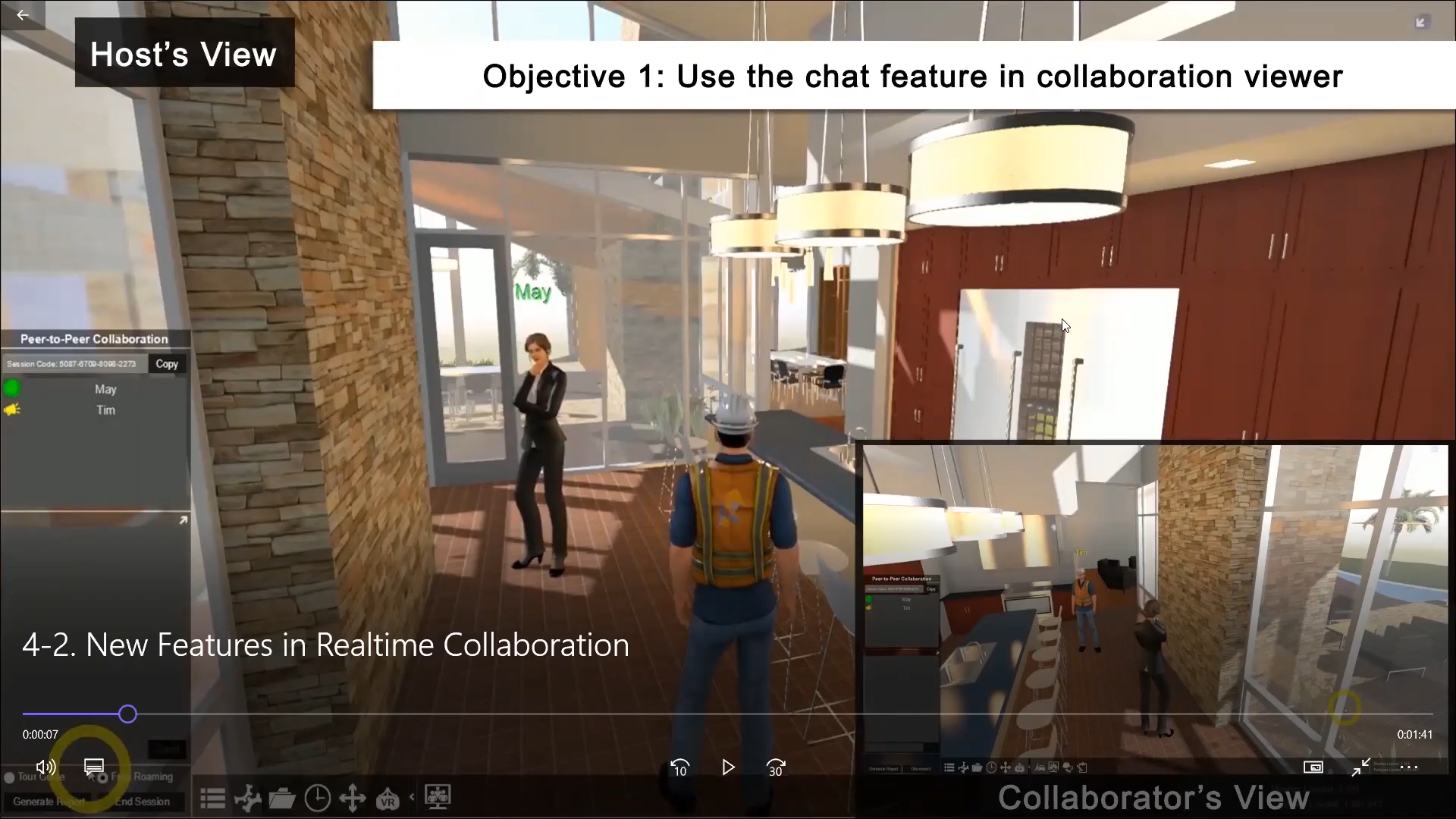
Fuzor screenshot. ©BIMAGE
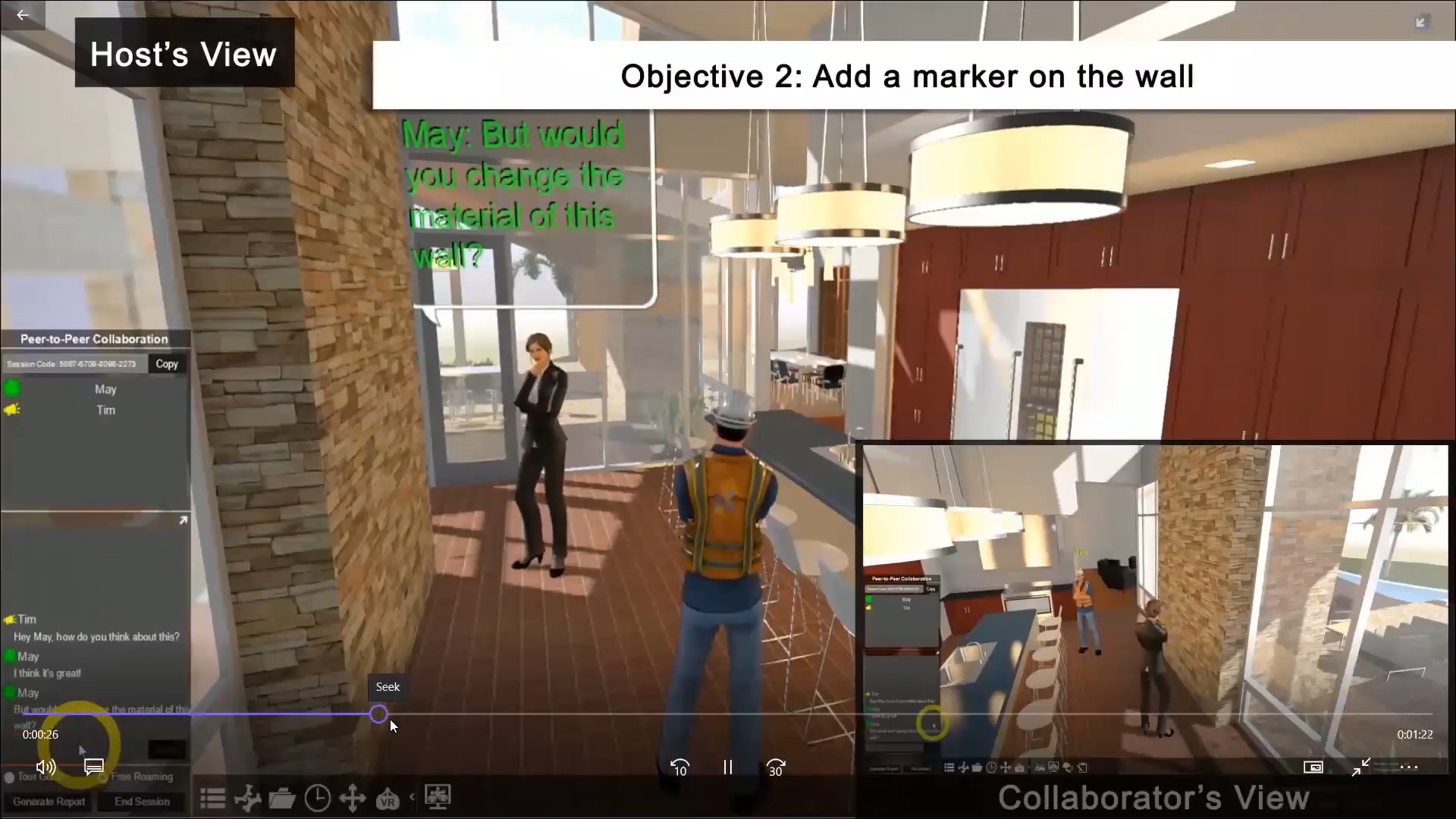
Fuzor screenshot. ©BIMAGE
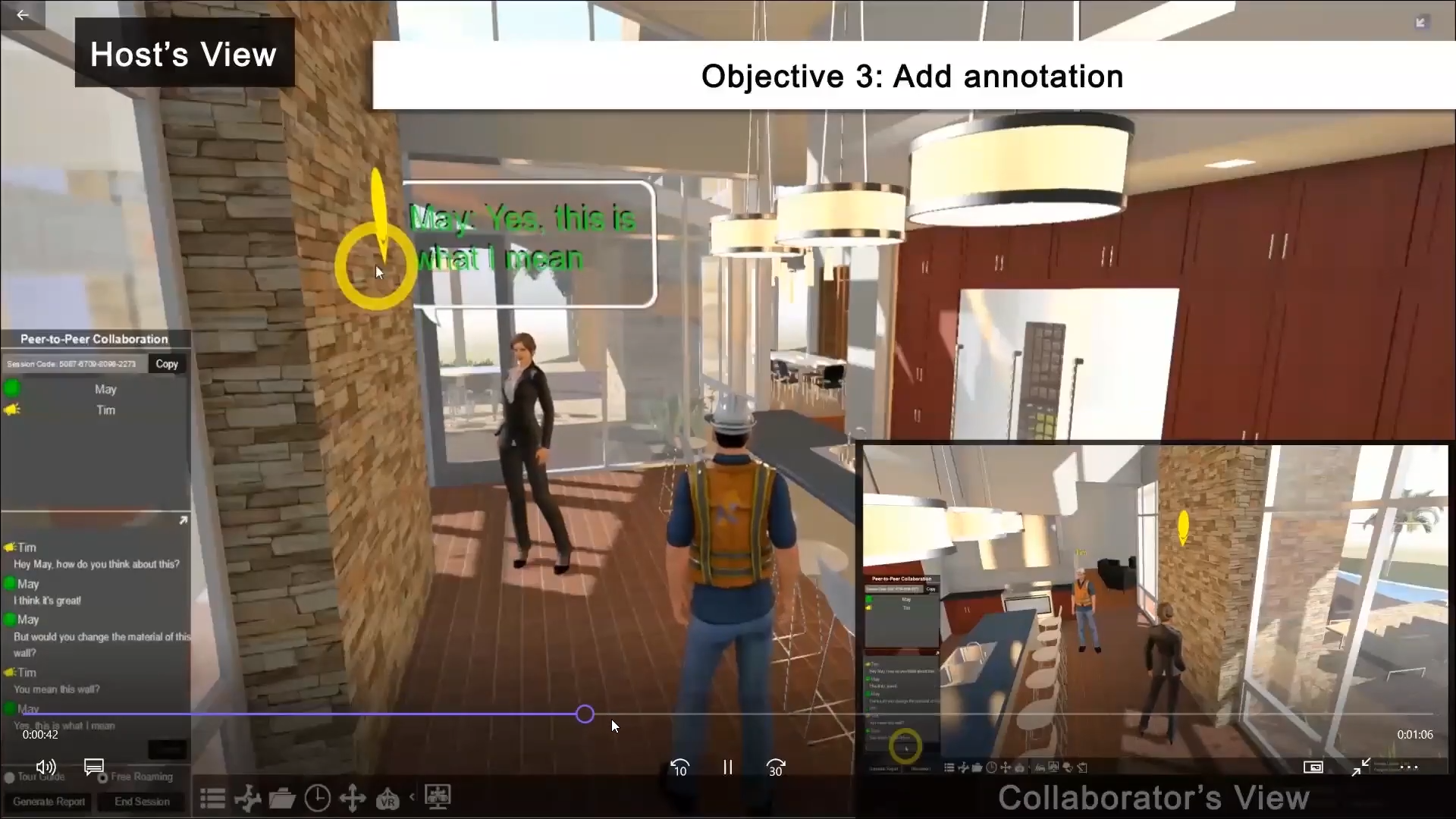
Fuzor screenshot. ©BIMAGE
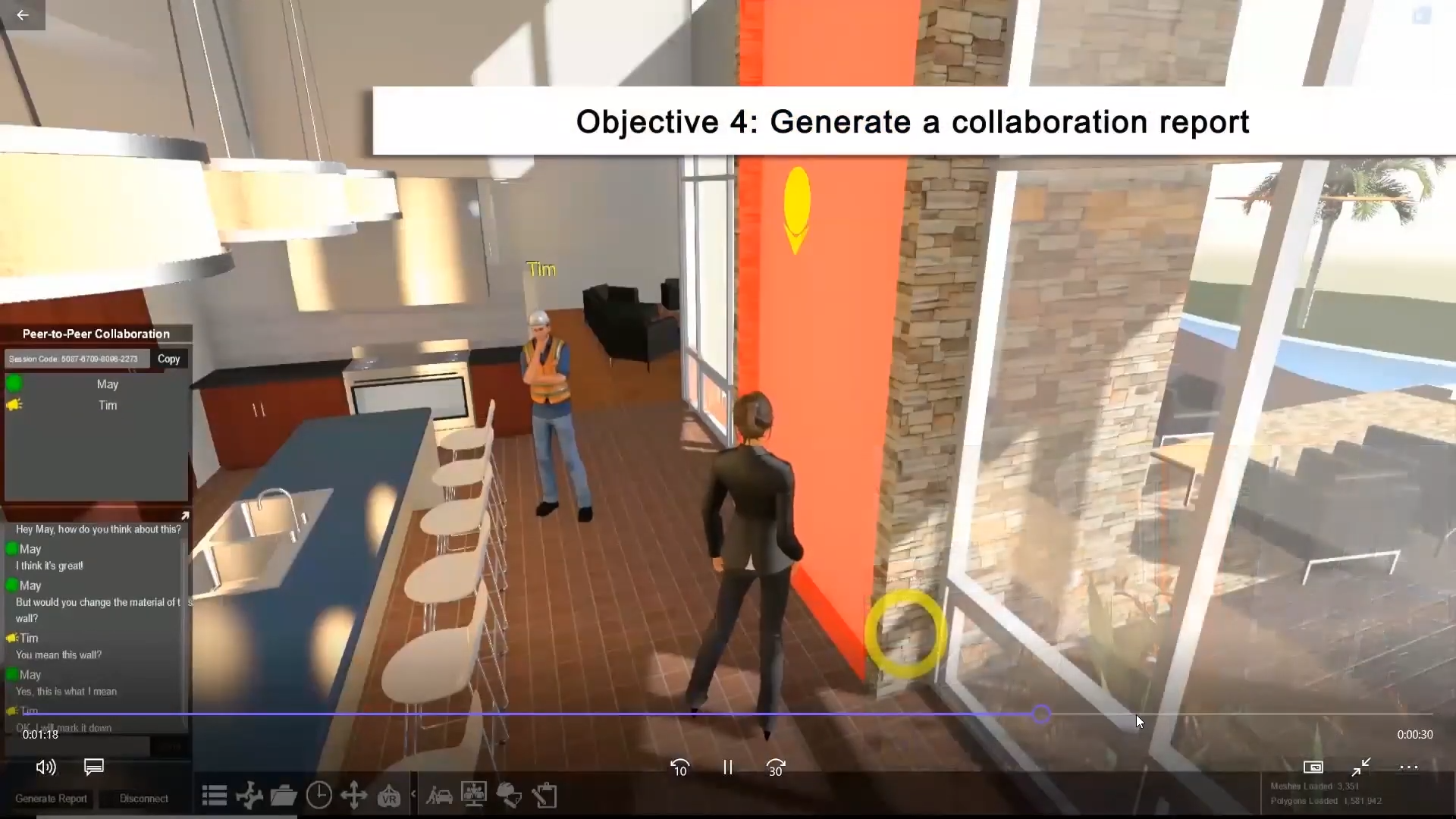
Fuzor screenshot. ©BIMAGE
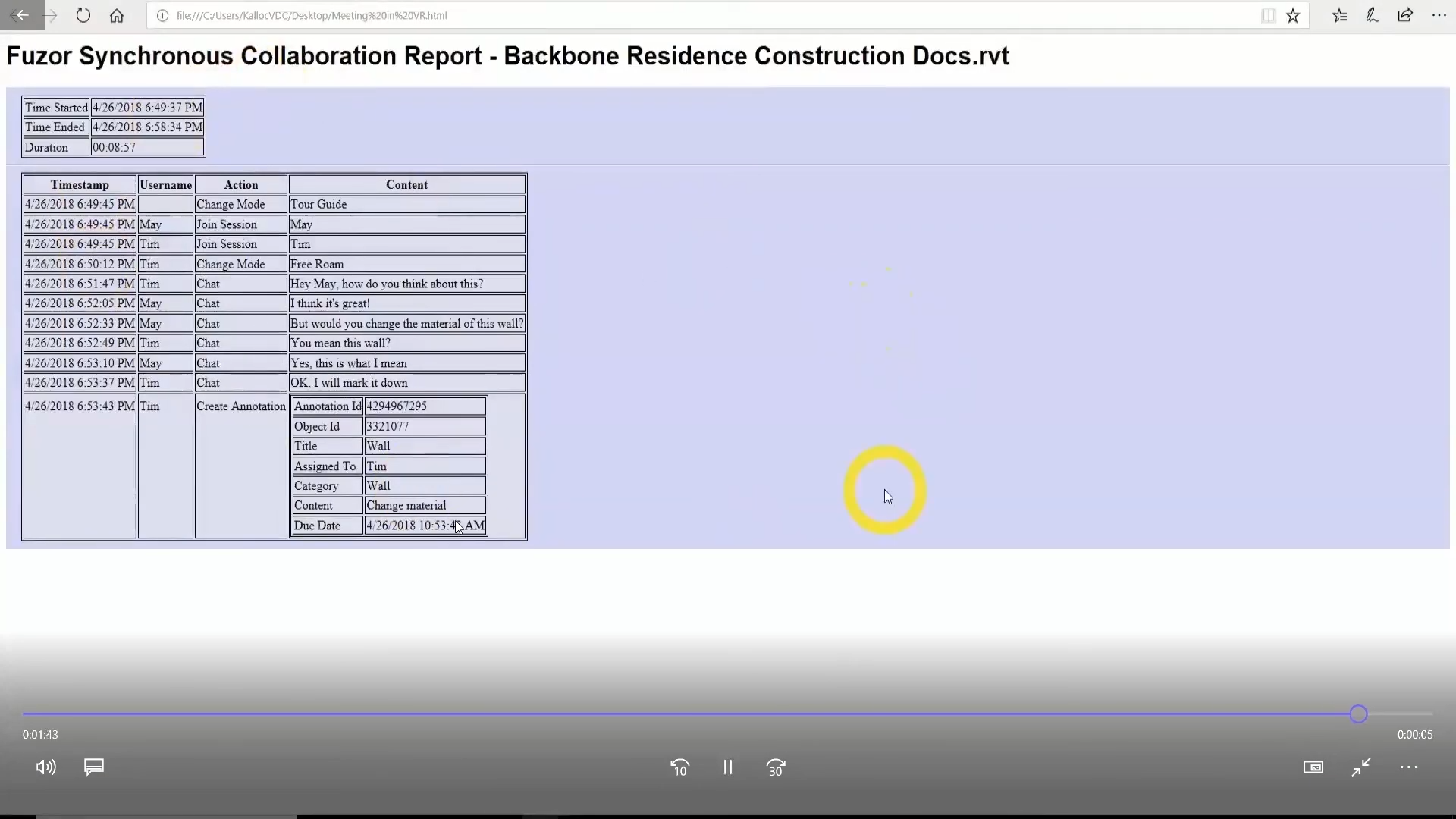
Fuzor screenshot. ©BIMAGE