


- Date added:
- Dec 14, 2024 | Last update check: 1 minute ago
- Licence:
- Trial | Buy Now
- Runs on:
- Windows 10 64-bit / 11
Lumion is a professional real-time visualization tool that supports models from various BIM, CAD and 3D modeling software. It can help you easily and quickly bring 3D model of your design to life. The idea behind Lumion is to enable anyone to create impressive and high-quality videos, images and real-time presentations of architecture, urban planning and design.
Design and visualize at the same time. Live link between 3D models and Lumion scene enables architects, designers and BIM modelers to see instant visual feedback as they modify their models. Lumion simplifies lengthy and complex rendering processes, enabling users to produce engaging visuals with minimal effort. Lumion has become a leading product in its field because it has redefined the process of making 3D visualization and has become an essential tool for many professionals. Lumion provides an extensive material and asset library, allowing you to quickly select different objects with realistic appearances.
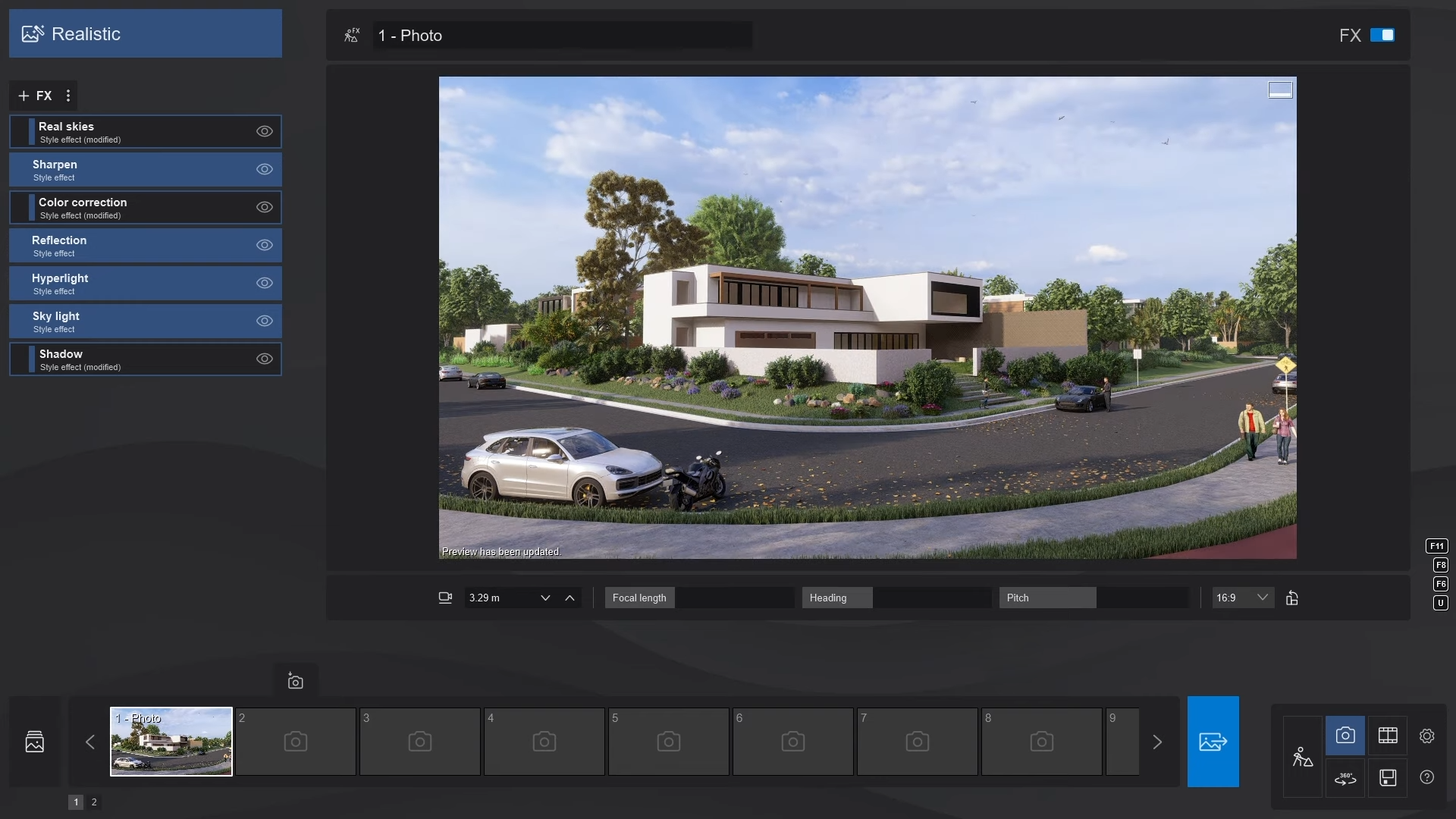
Lumion integration. Lumion LiveSync is an active link between your software and Lumion that gives a live, real-time view of your design in the context of the real world. There are Lumion LiveSync add-ins for Autodesk FormIt, Revit, SketchUp, ArchiCAD, Rhino, Vectorworks, AutoCAD, BricsCAD, and Allplan.
Lumion supports a wide range of file formats, including .SKP (SketchUp), .DWG (AutoCAD), .FBX, .DAE, .MAX, .OBJ, .3DS, and more. This enables users to import 3D models from various 3D modeling software, including 3ds Max and Maya.
Lumion plans. The product comes in subscription-based Standard and Pro versions. Standard offers basic functionality and is suitable for small companies or freelancers. Pro contains comprehensive functions and is intended for professional visualization studios. The trial is available only for Pro version, and it includes all its content and functionality.

Summary. Lumion excels at engaging clients in the early design stages of a project. Use Lumion alongside your 3D modeling tool to quickly communicate your designs and create dynamic, immersive presentations with ease. Its ease of use, fast rendering times, lifelike visualizations with wind effects and swaying trees, real-time model updates, and an extensive asset library makes it useful for conveying the atmosphere of a project.

Typical workflow
- Import and setup: Import your 3D model using the Live Sync plugin (for real-time updates) or manually, and explore Build Mode to manage materials, landscape, and weather settings.
- Add context and customize: Use the asset library to populate your scene with elements like trees, people, and furniture, and organize them with layers.
- Render and present: In Photo Mode, set camera angles, apply effects, and render your scene. Explore Movie and Panorama modes for more advanced presentations.
What’s new in Lumion 2024-2026
- Area Placement & Fill-In Clipping Planes (2026). Populate large outdoor areas with up to 5,000 nature assets at once and create clean, presentation-ready section cuts with new fill-in clipping planes.
- AI Upscaler & Smarter Scene Management (2025). Generate high-resolution visuals much faster using the built-in AI image upscaler, while new Scene Inspector and Performance Control Center tools make complex projects easier to manage.
- Real-Time Ray Tracing (2024). Experience fully ray-traced previews directly in the viewport with realistic reflections, refractions, translucent materials, colored glass shadows, and up to 5× faster ray-traced video rendering.
Gallery
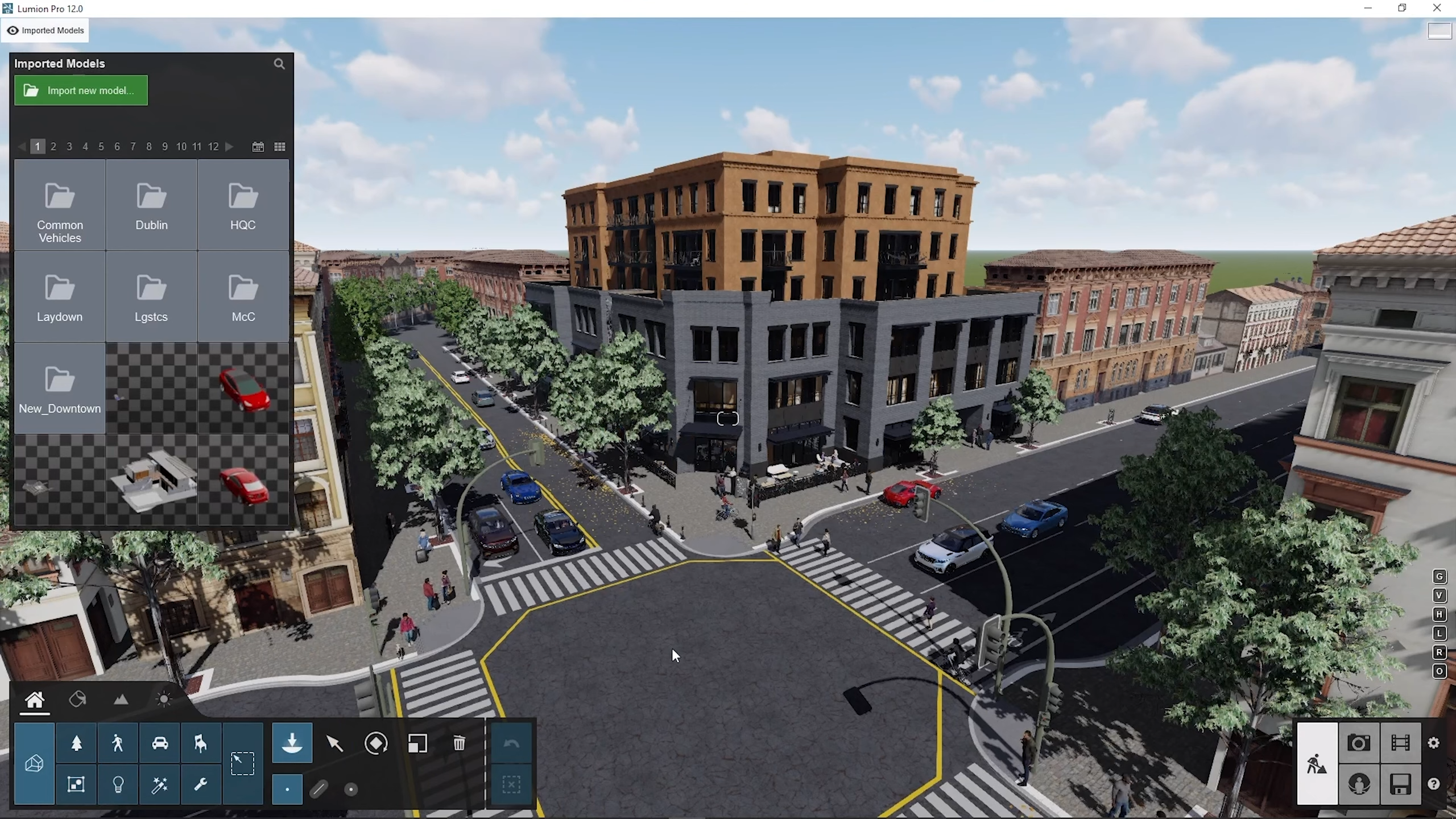
Imported Models window. ©CWeltonDesign
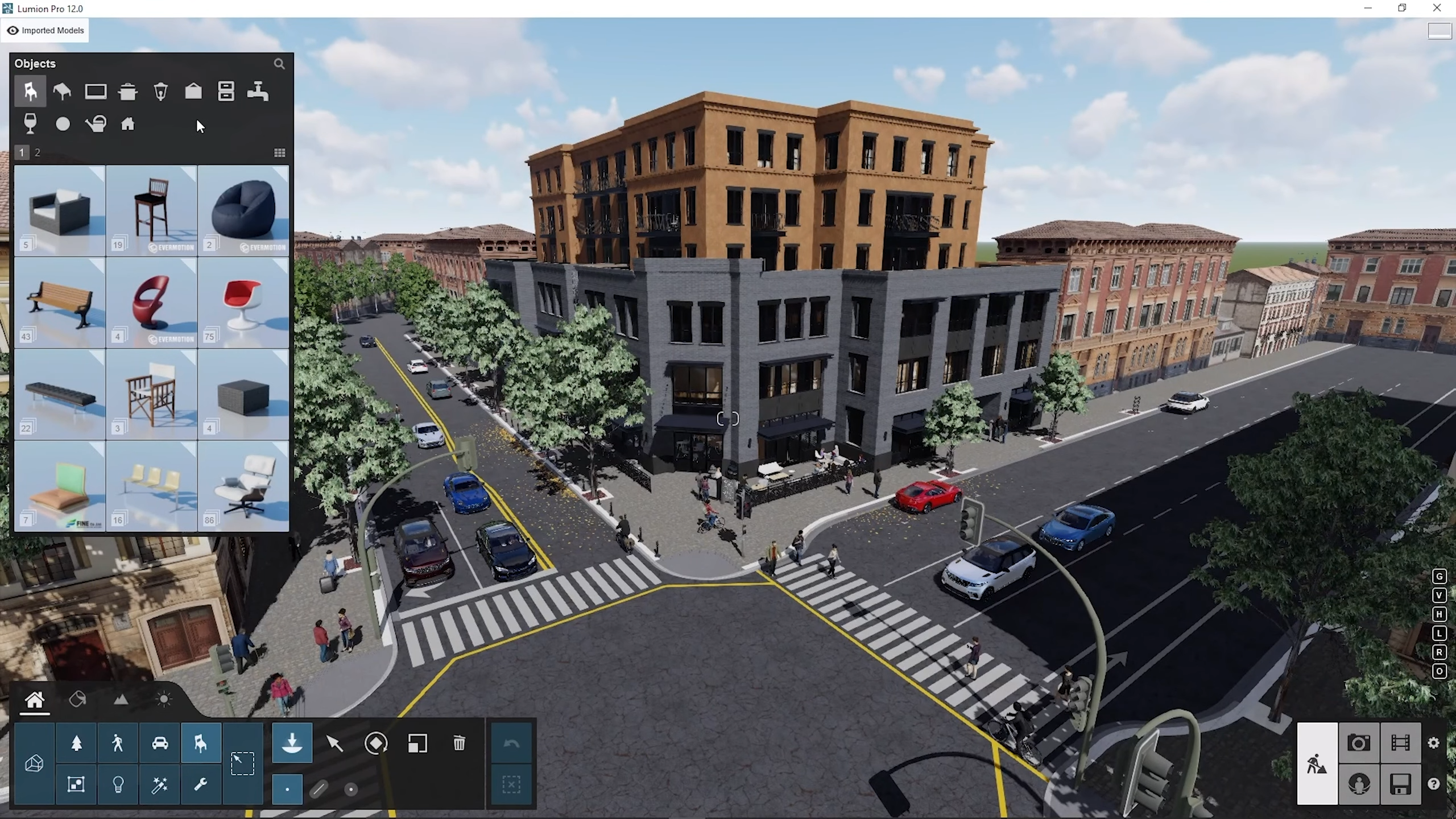
Objects window. ©CWeltonDesign
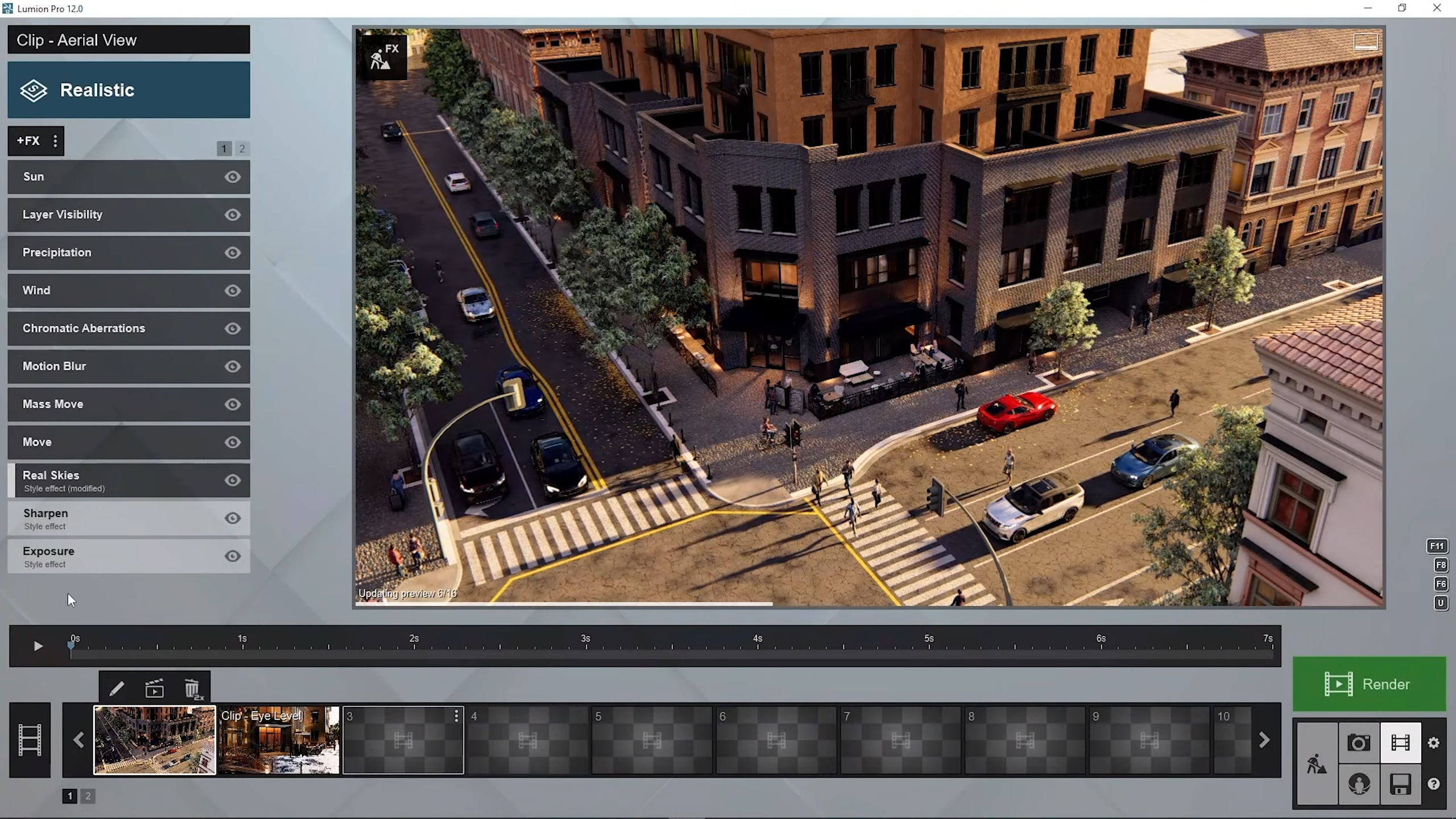
Movie mode. ©CWeltonDesign
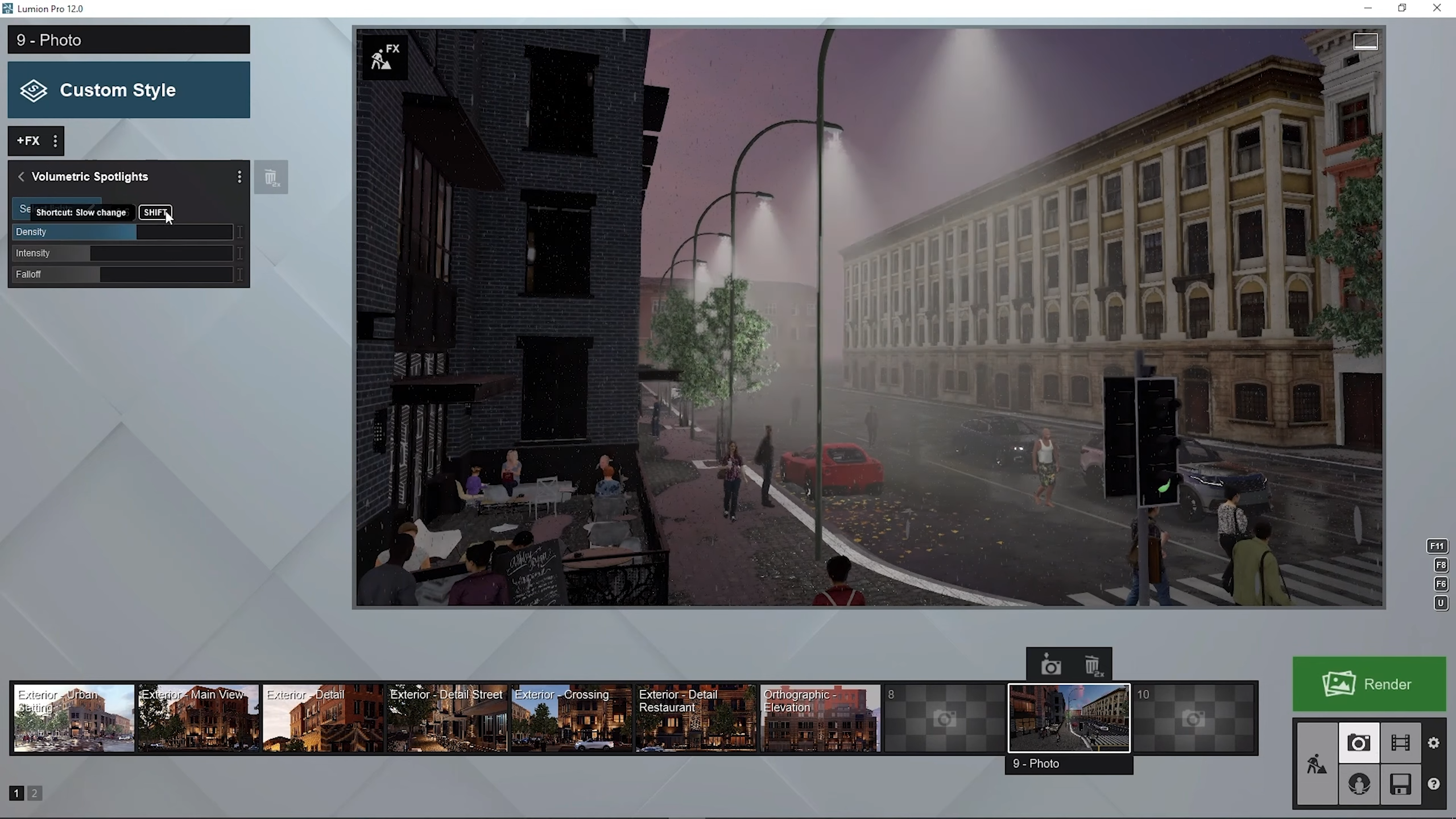
Volumetric spotlight effect. ©CWeltonDesign
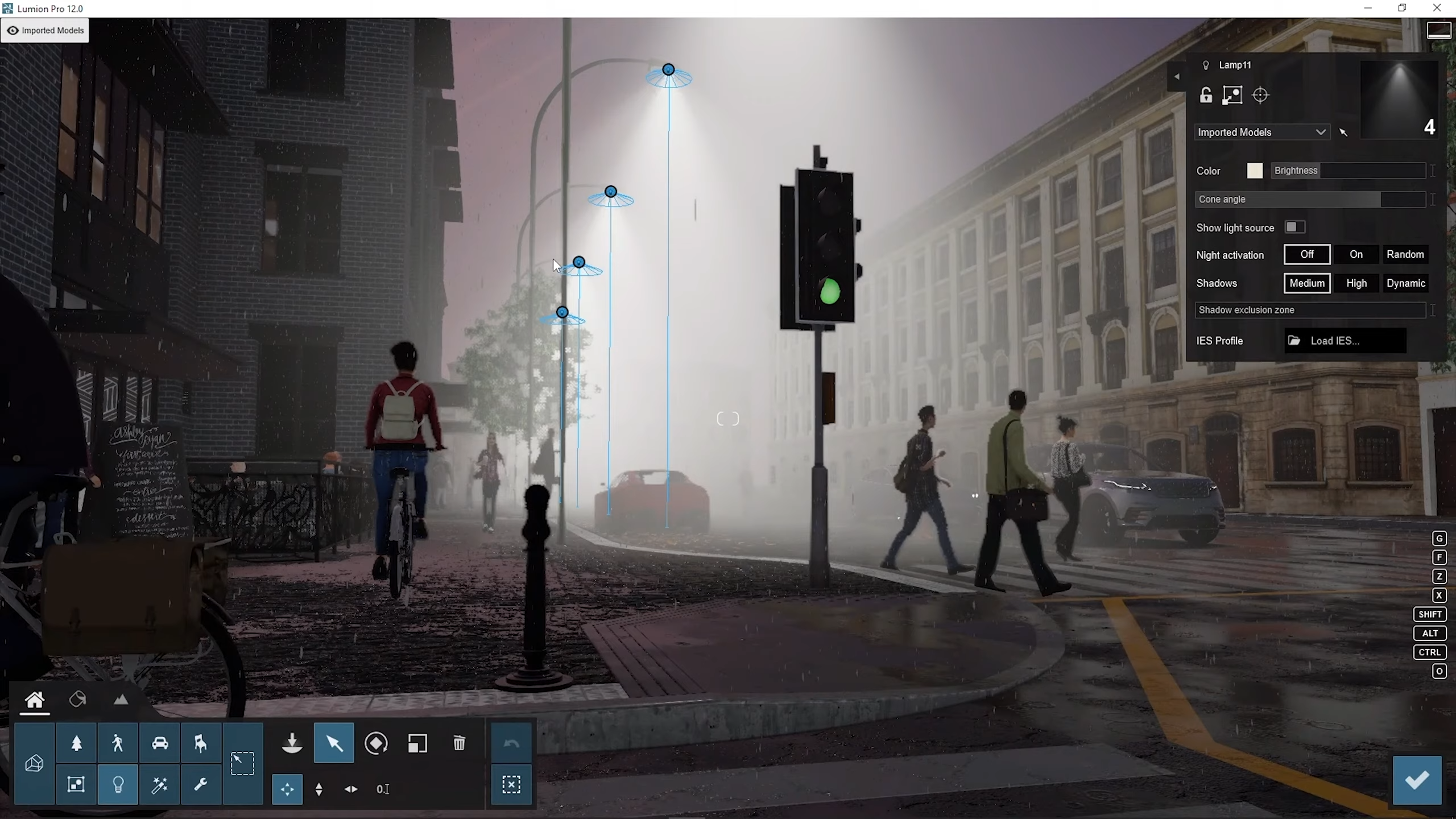
Volumetric spotlight effect. ©CWeltonDesign
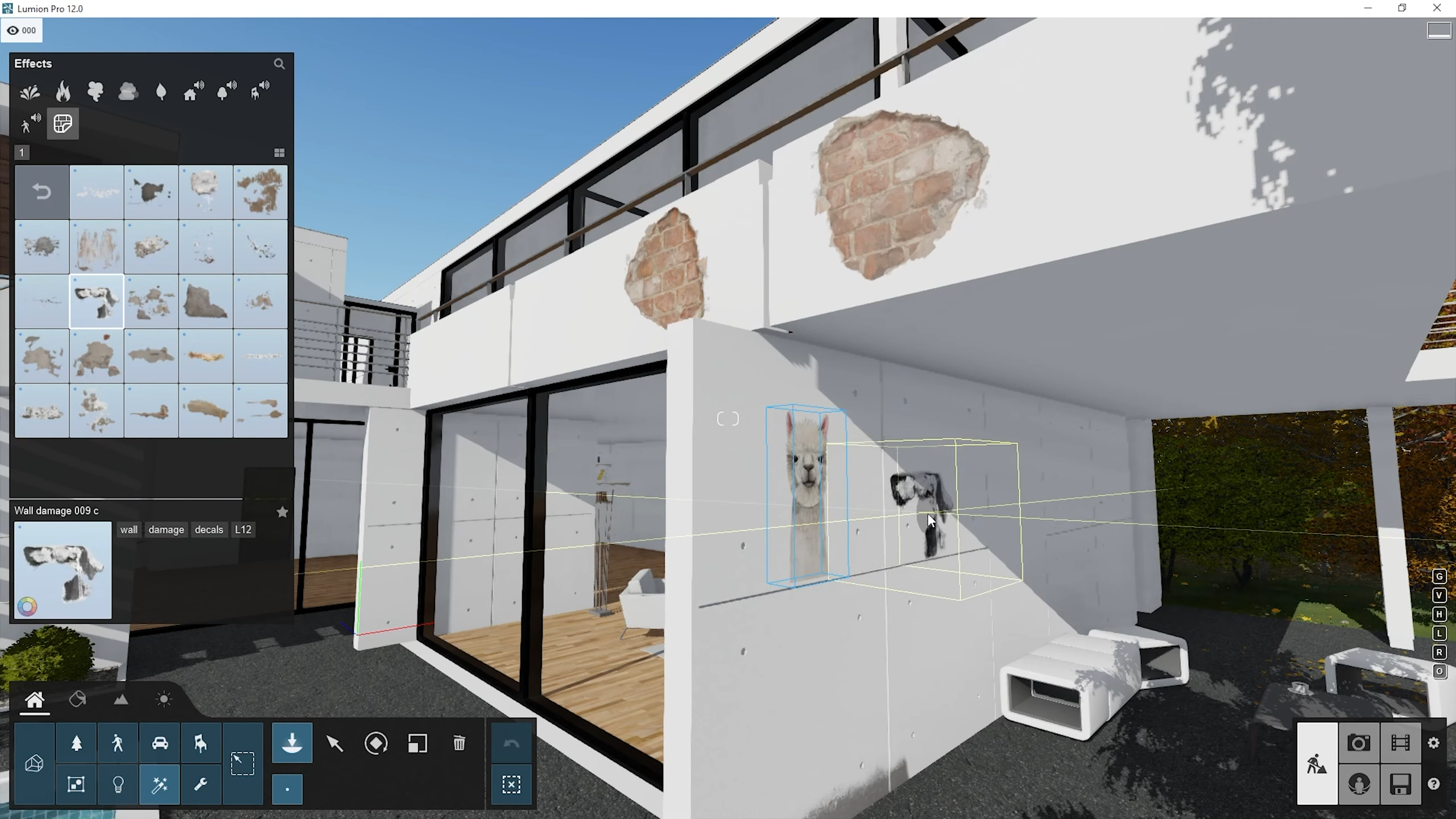
Surface decals. ©CWeltonDesign
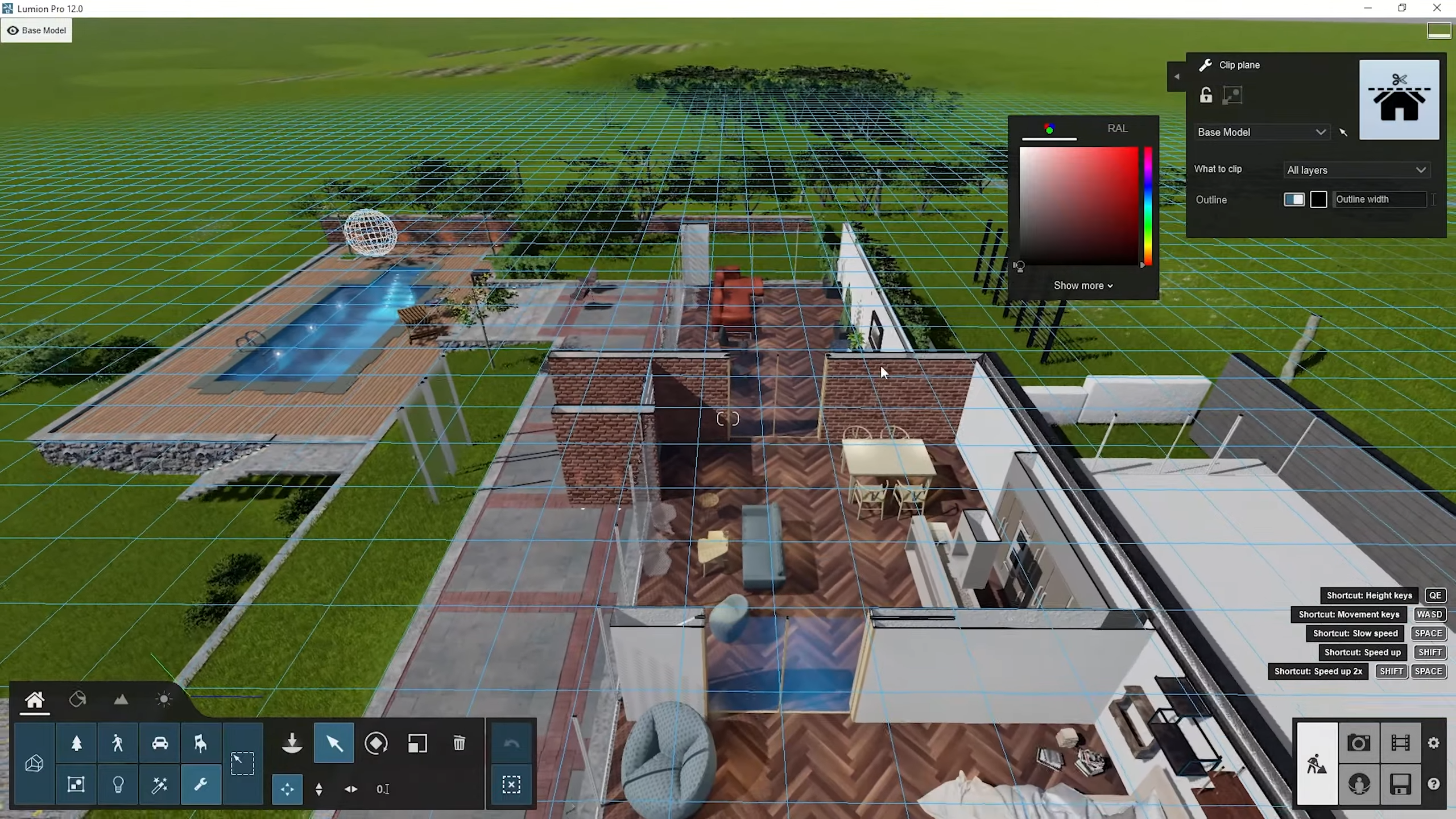
Clip plane. ©CWeltonDesign
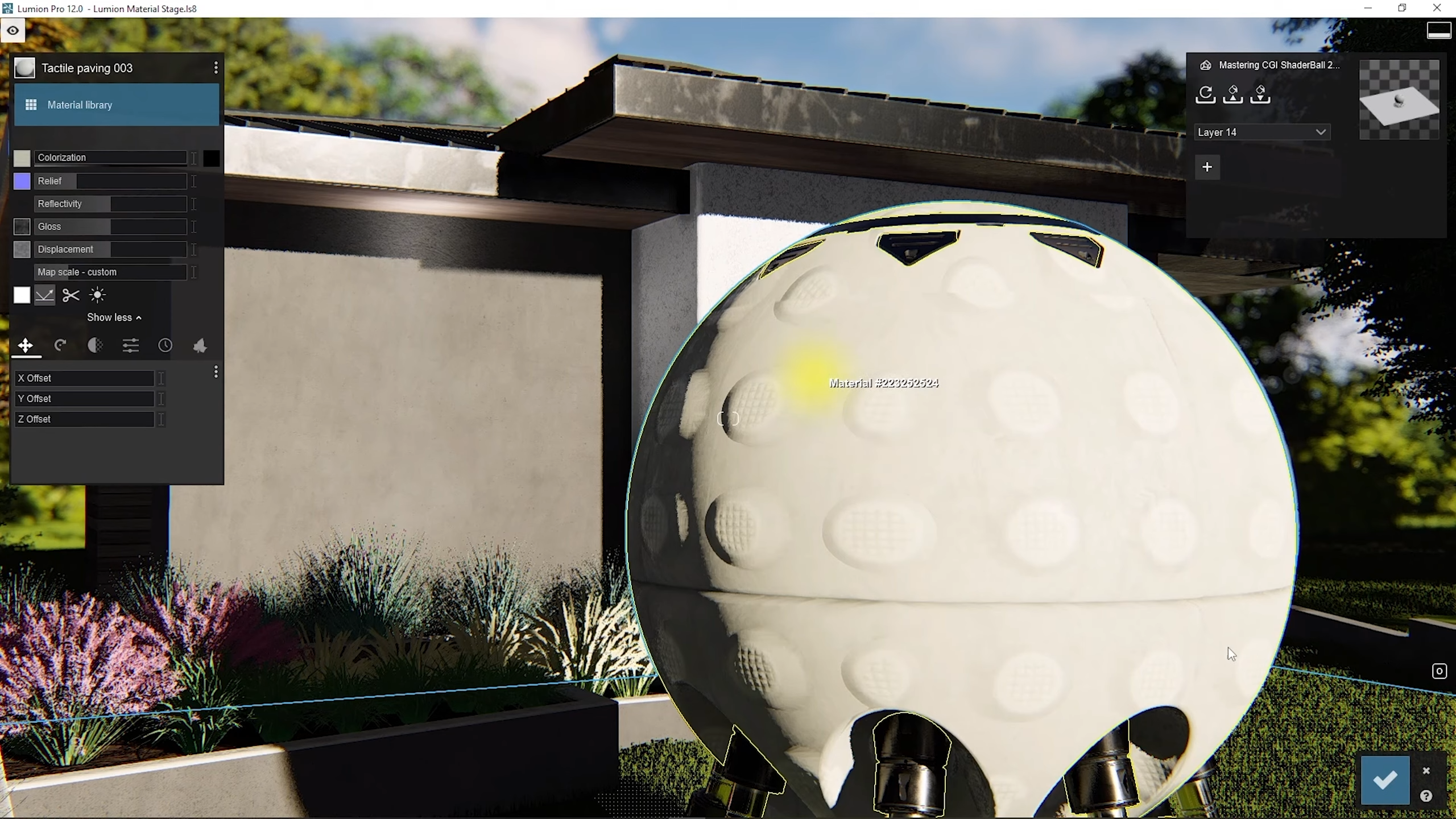
Materials. ©CWeltonDesign
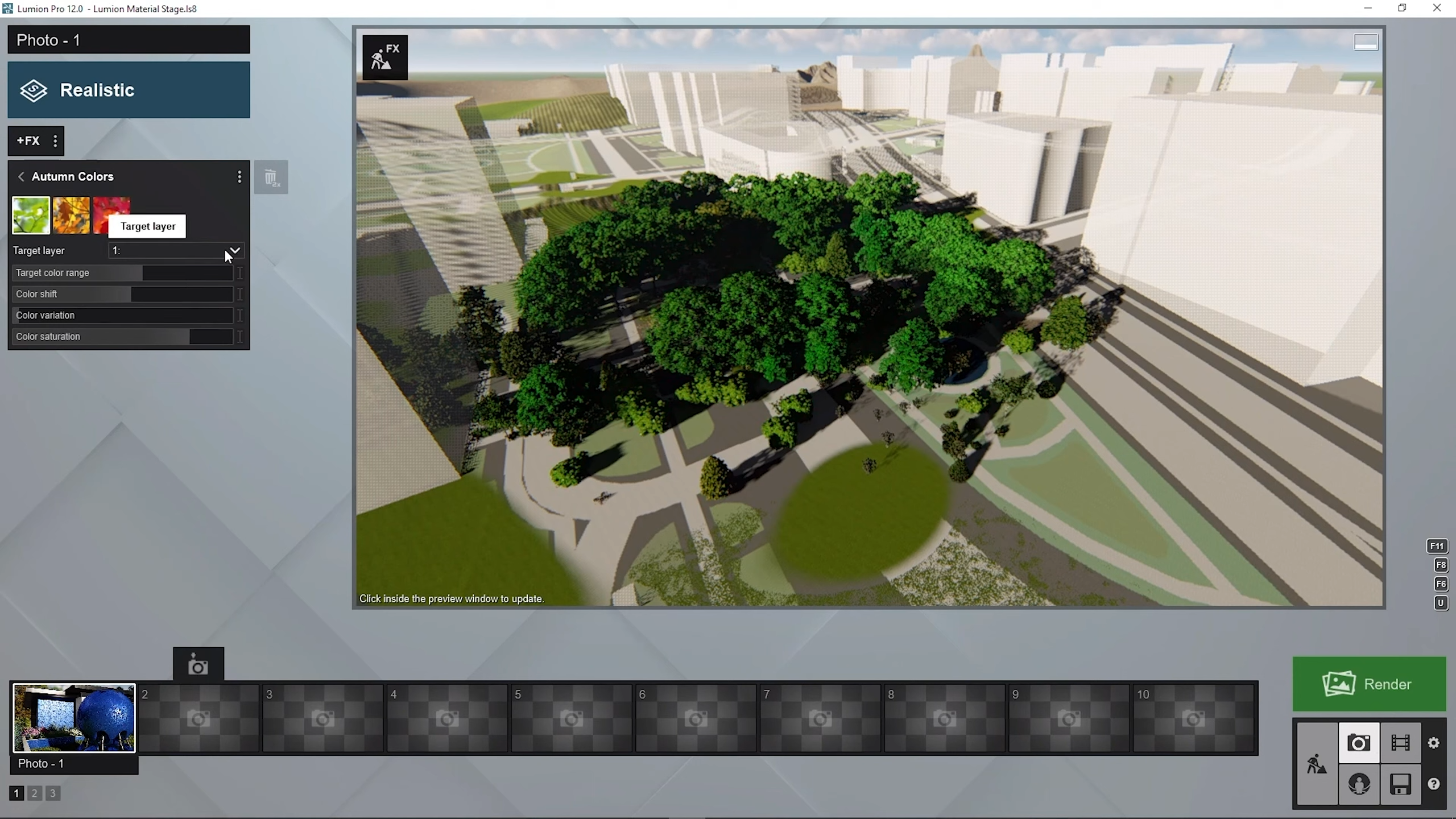
OpenStreetMaps. ©CWeltonDesign